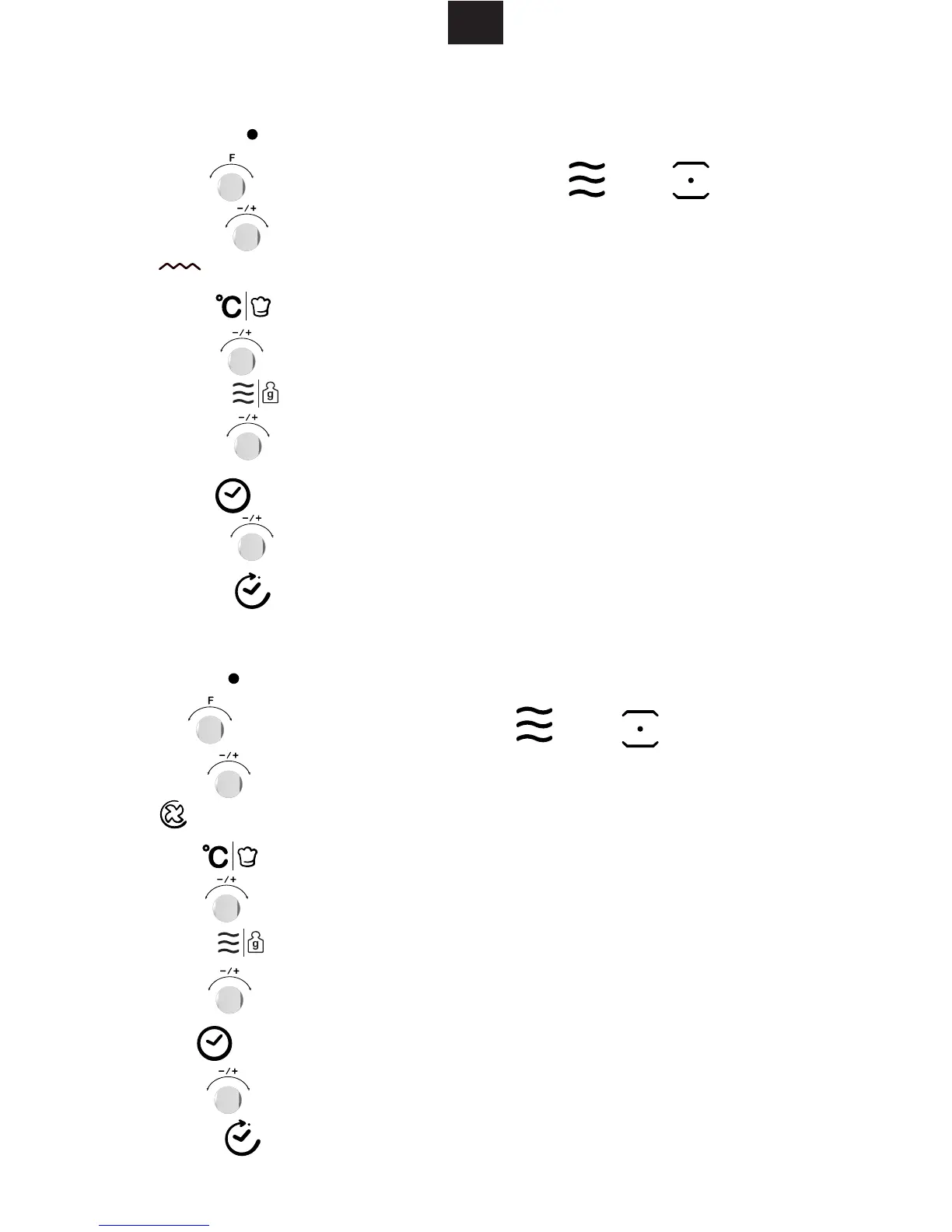
1) Press " " button to activate the microwave function.
2) Turn " " to select the combination mode." " and " " will light.
4) Press " " to enter to the temperature selection.
10) Press " " button to start cooking.
6) Press "
" to select the power. The default power is 300W
" " indicator will light when grill function is selected.
7) Turn " " to select 700W,450W,300W and 100W.
8) Press" " to select the time setting mode. The default time is 10 minutes.
5) Turn " " to select the power.
9) Turn " " to select the cooking time. The MAX.time is 90 minutes.
3) Turn " " to select mode. The default power is level 3.
1) Press " " button to activate the microwave function.
4) Press " " to enter to the temperature selection.
10) Press " " button to start cooking.
6) Press " " to select the power. The default power is 300W
7. Microwave + Grill Cooking
8. Microwave + Convection Cooking
2) Turn " " to select the cooking mode. " " and " " will light.
" " lights.
3) Turn " " to select convection mode. The default temperature is 180 degrees.
7) Turn " " to select 700W,450W,300W and 100W.
8) Press" " to select the time setting mode. The default time is 10 minutes.
5) Turn " " to select the temerpatre between 50 to 230 degrees.


 To Next Page