GB
z
If grill
p
level
adjust mod
e
z
mode,
a
power level h
e , and then t
v
ndthen turn " "
have been se
turn " " t
e been set
to adju
et, press ”
to adjust gril
, press "
ust cooking ti
” to
l power level
me
o enter grill p
l
ooking time
power
adjust
" to enter c
If cooking time ha
z
If microwave power have been set, press " " b utton to enter
microwave power level to adjust mode, and then turn" " to adjust
microwave power leveI
g,
) To
.
9
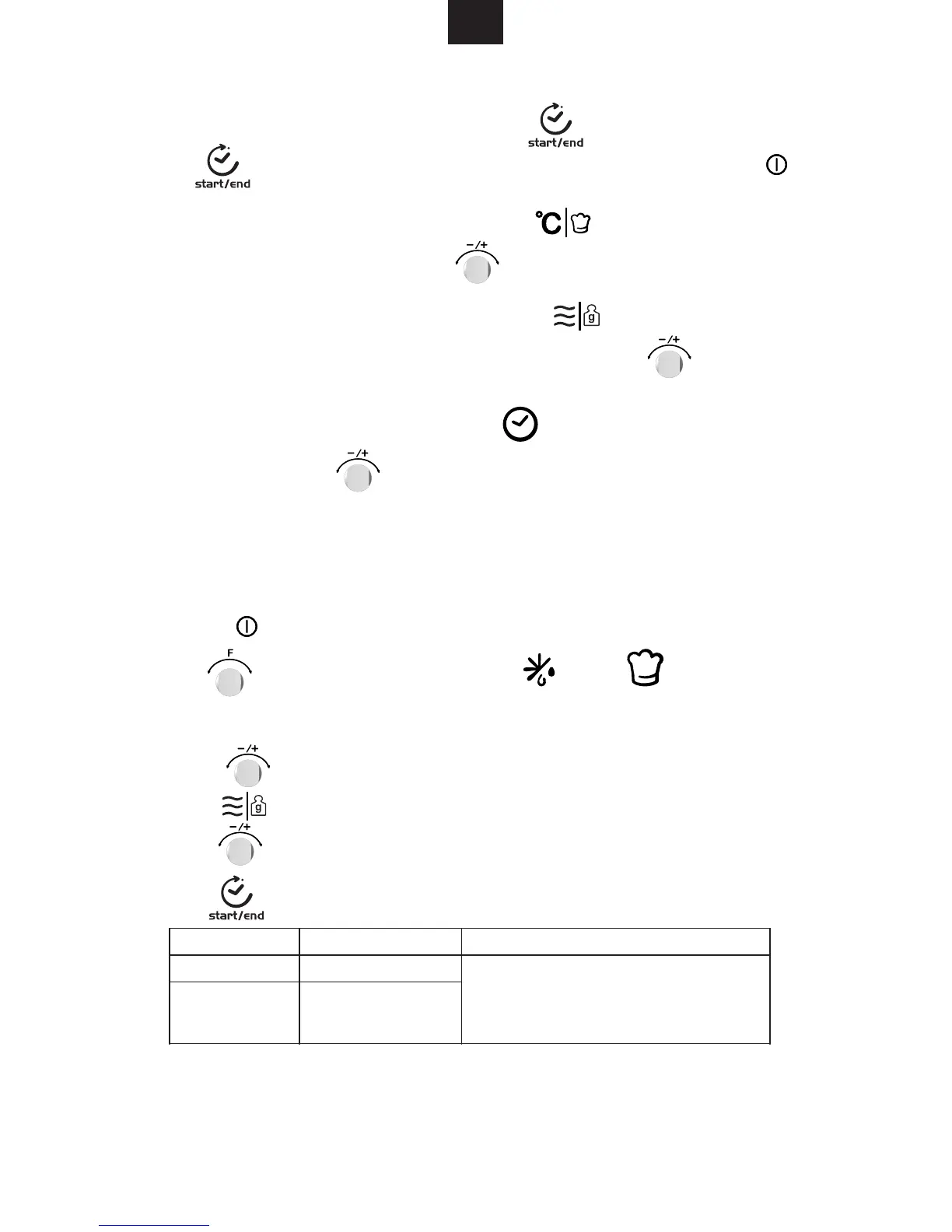
1) Press " " button to activate the microwave function.
6) Press " " button to start cooking.
4) Press " " button.
and set the weight. The power, the time and the temperature are already set.
Program Category Item
If you hear a beep, the combi microwave
oven stops. Turn the food and pr ess
the start/pause button to continue the
defrosting program.
Bread, cake and fruit
Meat, poultry and fish
Time, weight, the first number of the automatic programs are shown in the display.
3)
5) Turn " " to select weight of the menu.
Turn "
2) Turn " " to select the cooking mode.
" "
or
" " will light when defrost
or auto menu selected.
to select auto menu. " d01","d02" or "P01","P02"..."P08" will display.
d01 (defrost)
d02 (defrost)
There are 10 automatic cooking programs. You only have to choose the program
5. Auto Cook


 To Next Page