5-2 On The Course
5.
• Press ➁/➃ to go to next / previous hole.
• Auto Hole: The auto hole will trigger after the following conditions are met:
Approach to within 30 yards of the center of the green, and then move at
least 30 yards away from the center of the green.
• Dual Green: If the course has dual greens, hold
➂ for three seconds to
switch right / left green distance.
(
The default unit is Yard. To switch the display unit, please refer to 4. Settings
)
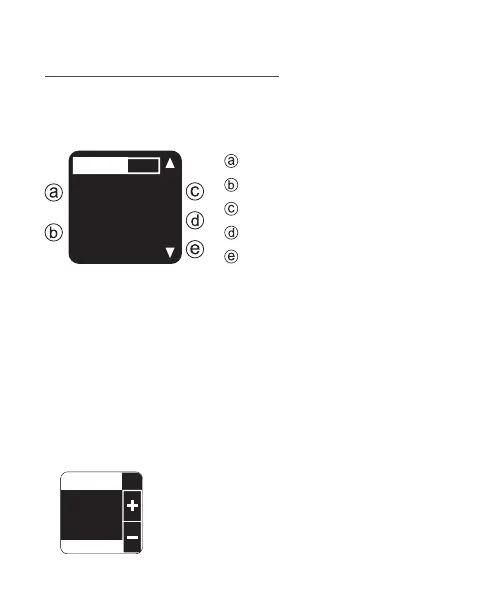
When playing golf, you will notice that there are five metrics
displayed on the screen. The list below explains what each of
those pieces of information represents.
Press ➂ to enter Score Card, and use ➁/➃ to
record your score of each hole. To save and exit,
press ➂.
While in GOLF mode, follow below instruction to access Scorecard,
Shot Distance, Hazard or Save this record.
Current hole number.
PAR for the hole.
Distance to the back of green.
Distance to the center of green.
Distance to the front of green.
13:50
SCORE 3
#1
320
258
227
Par4



 To Next Page