Hold ➃ for 3 seconds to access the Hazard
screen. To return, press ➀.
320
227
258
To finish the round, press ➀, and then press ➂
to exit golf mode, or press ➀ to continue playing
golf.
Hold ➁ for 3 seconds to access Shot Distance.
Travel to your ball, and the distance will be
calculated. To return, press ➀.
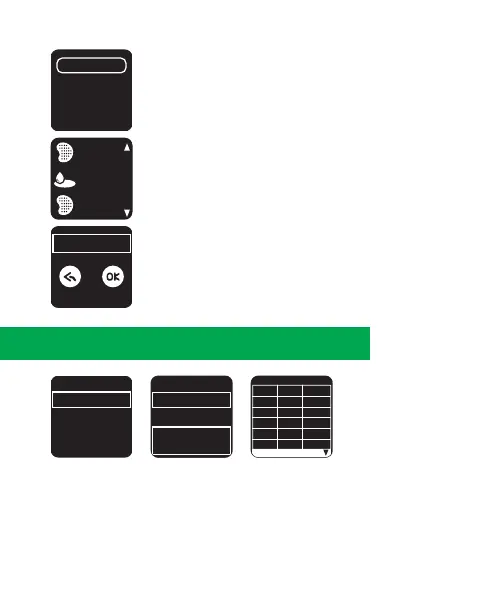
1. Press ➂ to enter main menu.
2. Select [SCORE CARD], and press ➂ to enter.
3. Press ➁/➃ to scroll up/down to check the history record.
4. To exit, press ➀.
Score
1-9
H
1
2
3
4
5
1
P
5
4
3
4
3
S
-1
0
1
0
1
Score
1 - 9
Total
PAR
Score
7
7
7
10 - 18
Score
2018.01.20
2018.01.18
2018.01.17
2018.01.15
6. Score History
6.



 To Next Page