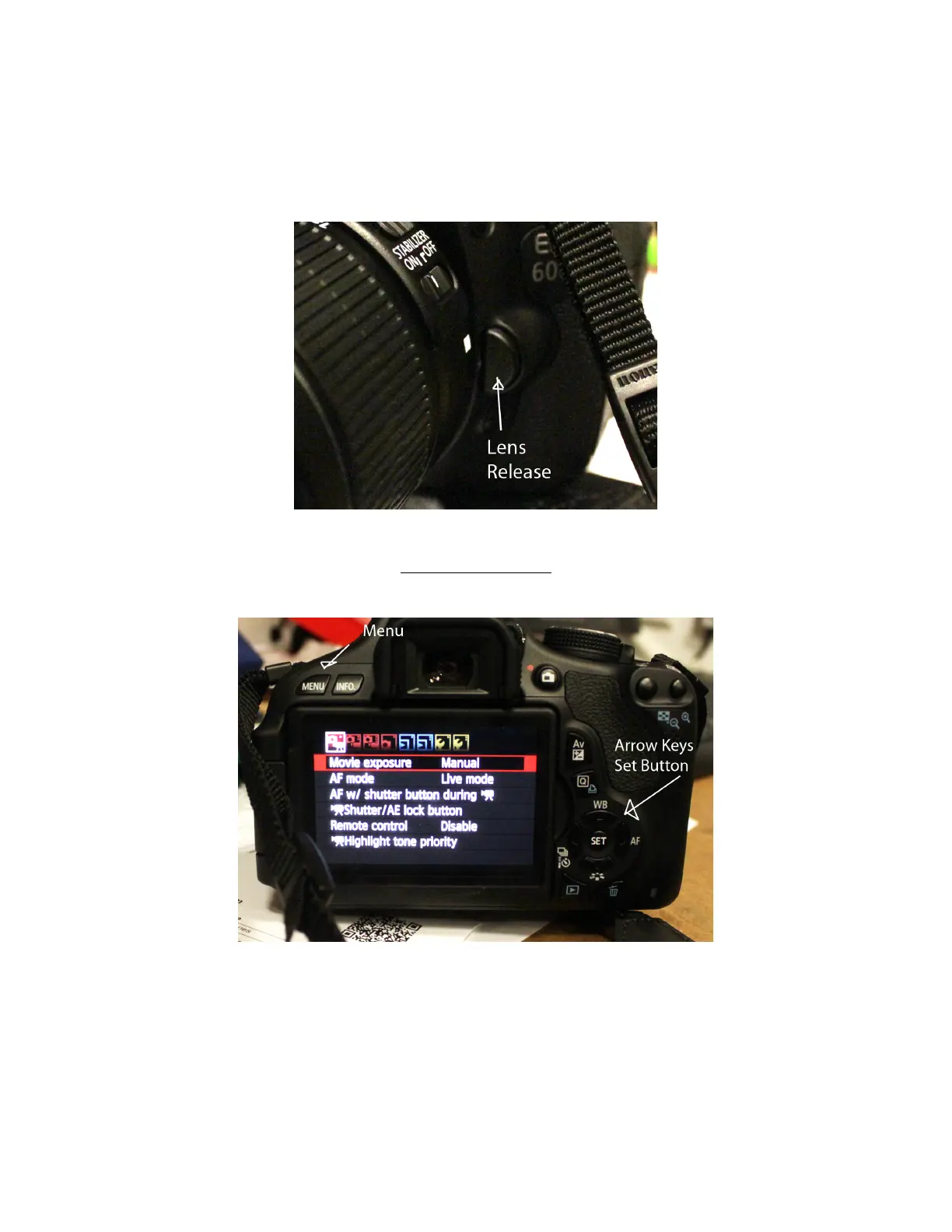
Mount the lens, take care to not get finger prints on the back of the lens or
dust inside the camera body. The lens should click into place when you turn it
clock-wise.
To remove the lens, push the button on the front.
Set the Exposure
First put the camera in Manuel Exposure mode
Push the Menu Button first then use the arrow keys to navigate to the first
menu tab. Use the Set button to select manual.














 To Next Page