EasyManua.ls Logo

Canon A2 - Page 20

Canon A2
48 pages
Print Icon
To Next Page IconTo Next Page
To Previous Page IconTo Previous Page
Loading...
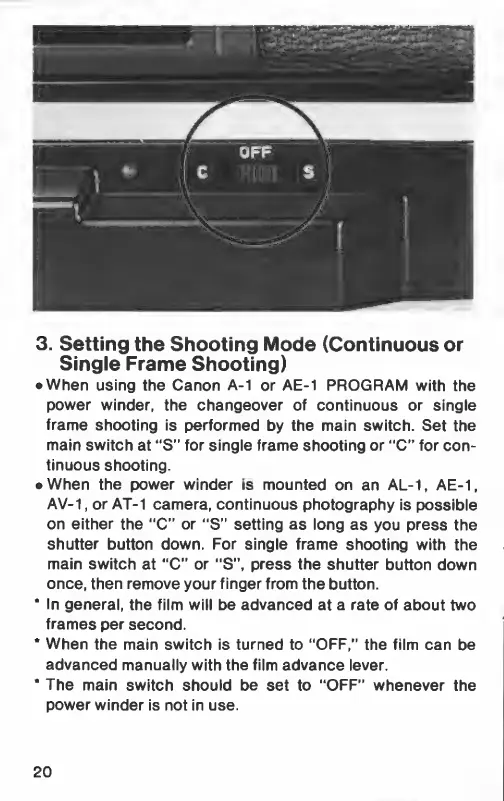
3.
Setting
the
Shooting
Mode
(Continuous
or
Single
Frame
Shooting)
e
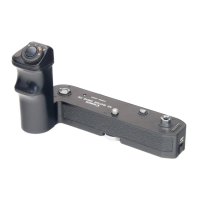
When
using
the
Canon
A-1
or
AE-1
PROGRAM
with
the
power
winder,
the
changeover
of
continuous
or
single
frame
shooting
is
performed
by
the
main
switch.
Set
the
main
switch
at
“S”
for
single
frame
shooting
or
“С”
for
con-
tinuous
shooting.
e
When
the
power
winder
is
mounted
on
an
AL-1,
AE-1,
AV-1,
or
AT-1
camera,
continuous
photography
is
possible
on
either
the
“С”
or
“S”
setting
as
long
as
you
press
the
shutter
button
down.
For
single
frame
shooting
with
the
main
switch
at
“С”
or
"5",
press
the
shutter
button
down
once,
then
remove
your
finger
from
the
button.
*
In
general,
the
film
will
be
advanced
at
a
rate
of
about
two
frames
per
second.
*
When
the
main
switch
is
turned
to
“ОРЕ,”
the
film
can
be
advanced
manually
with
the
film
advance
lever.
“The
main
switch
should
be
set
to
“ОРЕ”
whenever
the
power
winder
is
not
in
use.
20

Related product manuals