2
En
Fr
De
It
Es
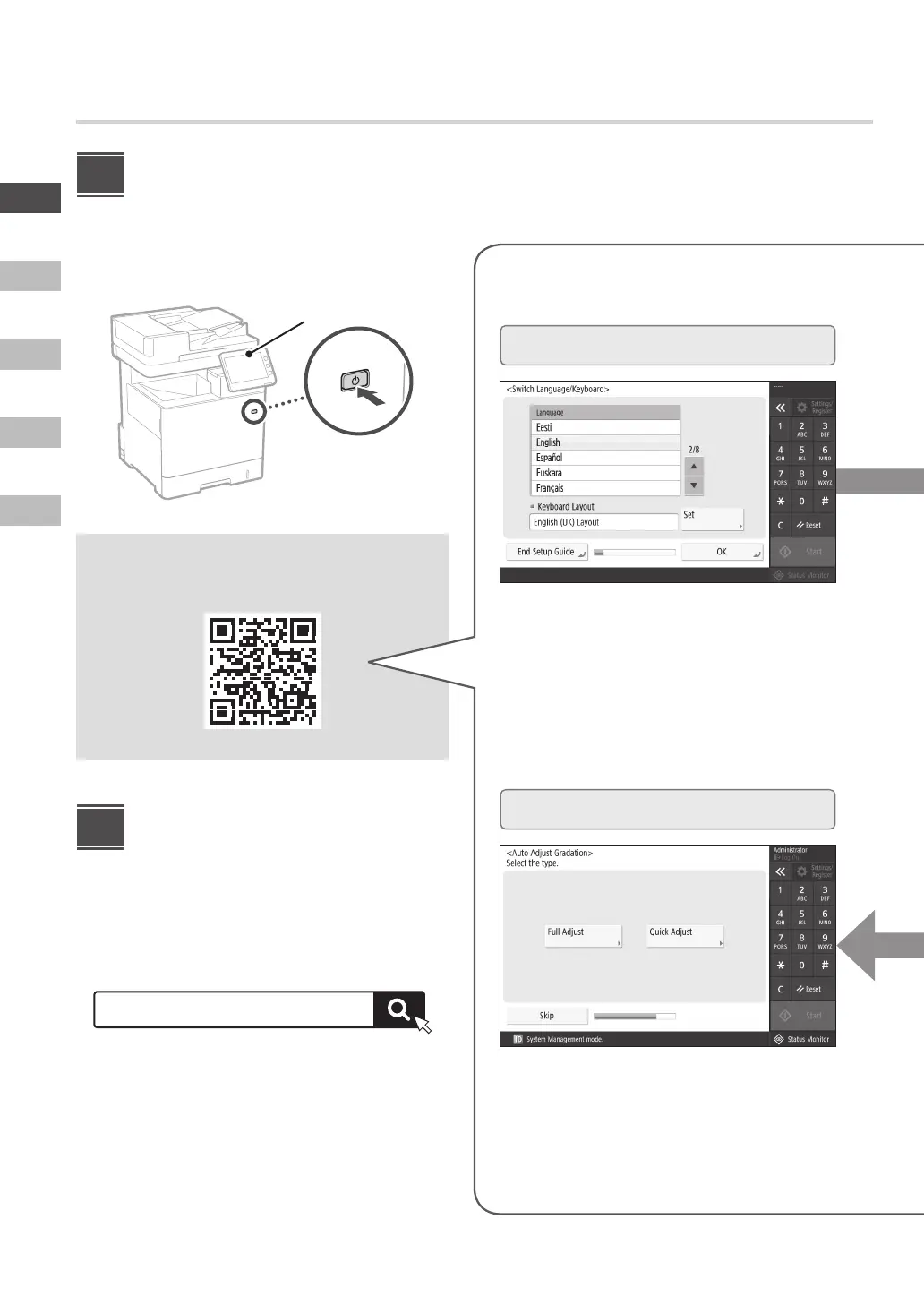
Setting Up Using the
Setup Guide
When you turn the machine on for the first time, the
Setup Guide starts up on the operation panel.
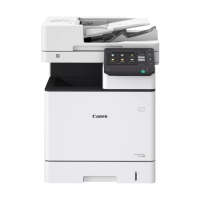
Operation panel
Scan the following QR code for information on
using the Setup Guide.
Installing the Software/
Drivers
Install the software and drivers from the CD/DVD-ROM
included, or visit the URL below and download them from
the Canon website for your country/region.
https://global.canon/en/support/
XXXXXXX download
Example: C1538iF download
1
2
What You Can Use the
1
Specifying the Basic Settings
6
Adjusting the Gradation Automatically
Specify basic settings such as the screen display
language and the type of paper used.
You can adjust the color gradations to get a better
printing result.
Configuring the Initial Settings











 To Next Page