33
Printing with Non-Canon Printers
(Only for
PictBridge
Compliant Printers)
Printing
After this step, follow the procedures in the section Printing with
Bubble Jet Printers (For PictBridge Compliant Printers) (p. 20) to
print your images.
However, please note that some menus and precautions differ,
as listed below.
See page 23.
Setting the Print Effect
[VIVID], [NR] and [VIVID+NR] are not available.
See page 25.
Selecting the Paper Settings
[A3+/13 × 19] and [5" × 7"] or [13 × 18cm] are not available.
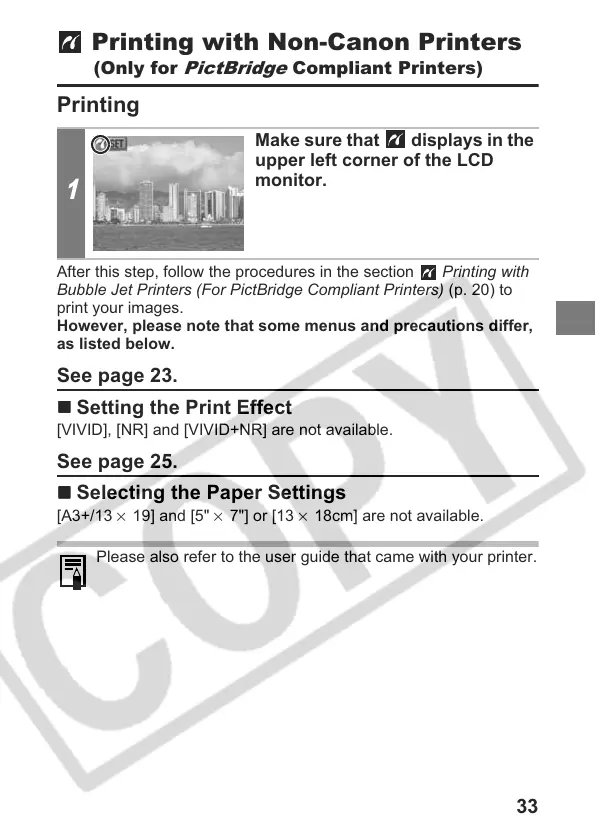
1
Make sure that displays in the
upper left corner of the LCD
monitor.
Please also refer to the user guide that came with your printer.




 To Next Page