Settings
Operate the camera's menus to set up the microphone.
1.
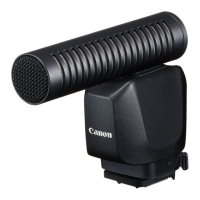
Attach the microphone to the camera ( )
2.
Turn on the camera's power
Caution
If a transmission error appears on the camera's monitor, turn off
the camera's power, and then reattach the microphone.
3.
Arrange the camera to shoot video
4.
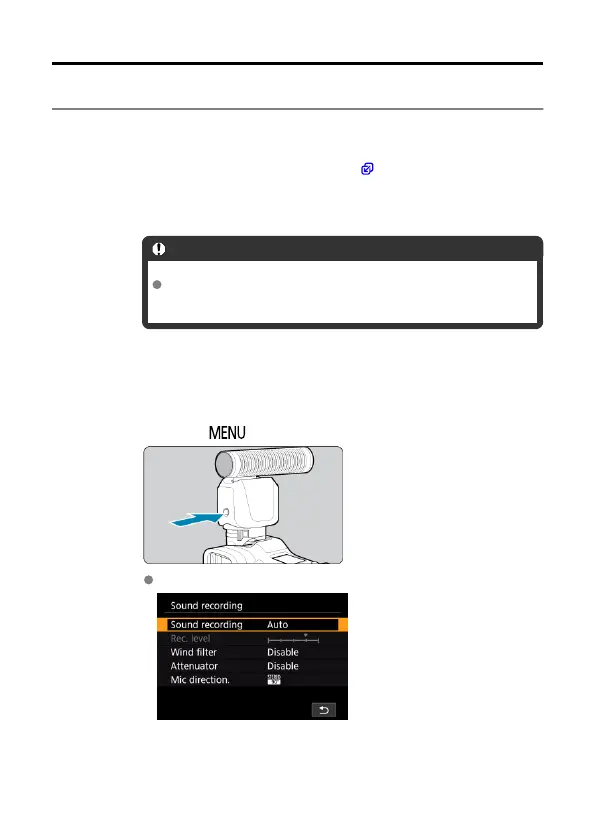
Press the < > button on the microphone
[Sound recording] appears on the camera monitor.
12


 To Next Page