228
QuickReference(English/
中
文
)
QuickReference
Use the Multi Jump function
1
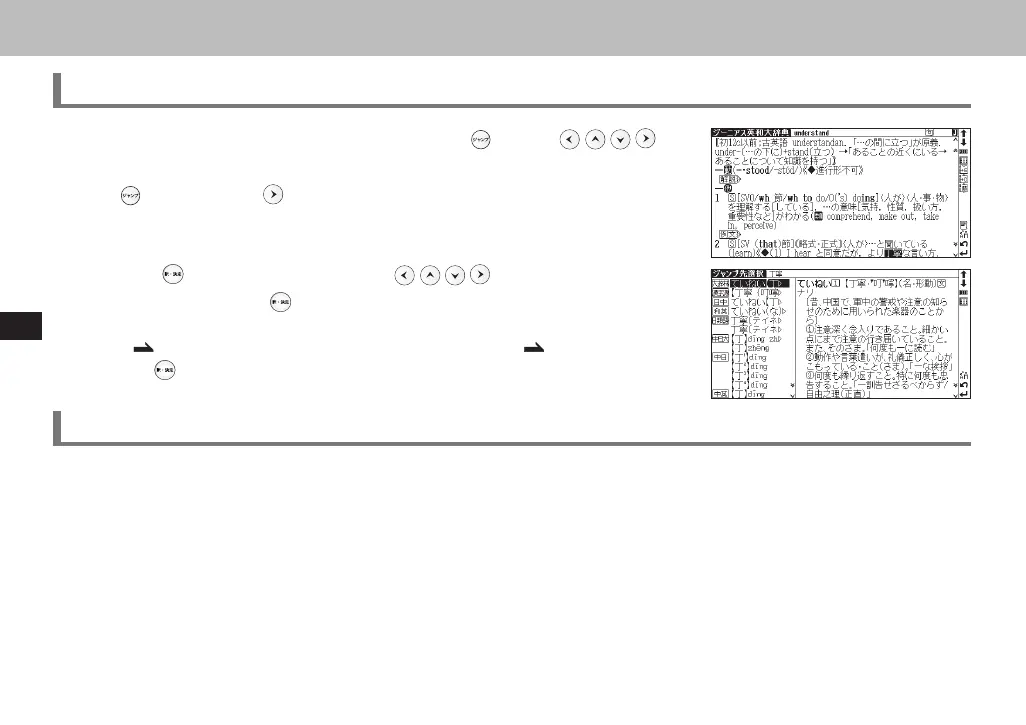
In the main text screen of any dictionary, press and use to
select the word you wish to search in another dictionary. If it is a phrase, press
again and press to expand the selection block.
2
Press to display destinations. Use to select the appropriate
dictionary and press
to jump to the destination.
* If there is only one jump target, the jump will be directly executed.
* If
is shown in the main text screen, use Jump function to select .
Press
to see the reference.
Use Wild Card Search
1
In Japanese, English spelling or Chinese pinyin input, "?" and " * " can be used as uncertain letter(s). If " * " is
entered at the start followed by letters, Reversed Search can be used.
While "?" represents one character, " * " has no restriction.
2
For example, entering "chr * m" in English can provide the search result "chrism, chrysamthemum..etc" (headwords
that start with "chr" and end by "m").
Inputting "piny?n" in Chinese pinyin can provide the search result "【拼音】pinyin" (headwords that start with "piny"
and end by "n").
CSH06H206-P227-233 06.8.17, 4:40 PMPage 228 AdobePageMaker6.5J/PPC



 To Next Page