230
QuickReference(English/
中
文
)
QuickReference
View and test the Stroke Order
1
If
appears in the main text screen of Kanjigen, Advanced Chn-Jpn, Chn-Jpn or XianDai Chn-Chn, press to view
the stroke order of the Kanji/Chinese character.
2
Press to return to the main stroke order screen then tap with the stylus to start the stroke order test.
Use the Chinese Character Conversion
1
In searching the Chinese word (漢字(中)) and using a Chinese example search, the Chinese character conversion is
available. When entering pinyin, the Chinese characters matched with the pronunciation will be listed up in a pop-up
screen. Keep entering the rest of the pinyin pronunciation to narrow down the candidate list. Use
to select
an appropriate character and press
to complete the conversion.
2
Even the conversion is not finished, shifting the input method to writing is allowed. Write a Chinese character on the
writing recognition box. Chinese character conversion by keyboard and writing recognition can be mutually used in the
same input field.
3
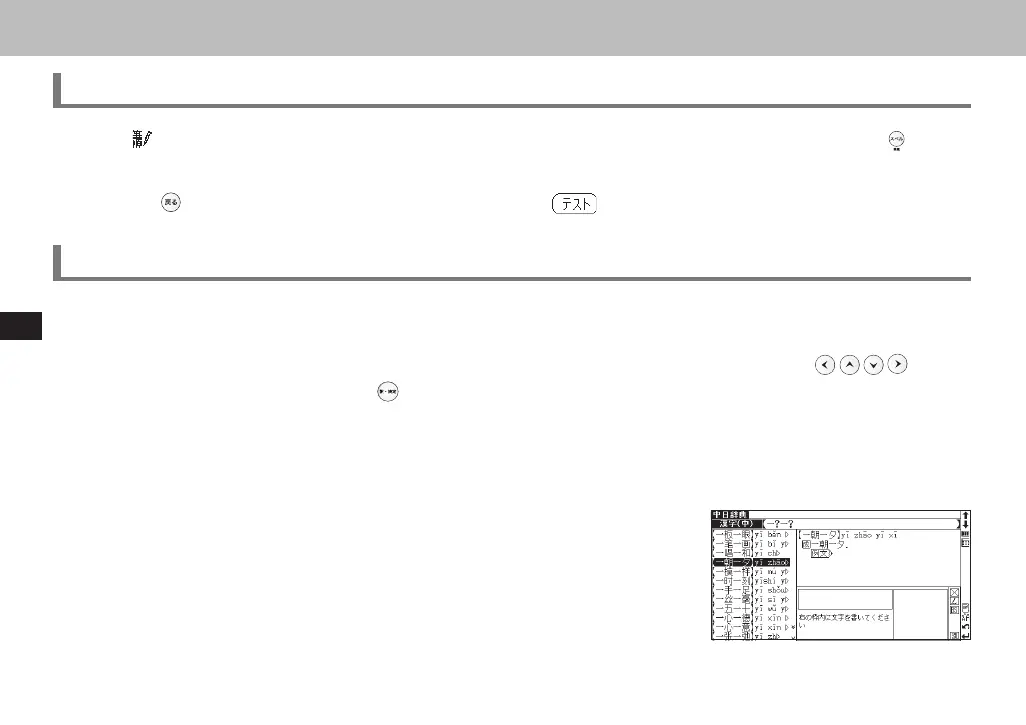
In searching Chinese words, a wildcard is available to represent single charac-
ters ("?") or plural characters ("*"). In using the special characteristics of the
Chinese language, the wildcard search can provide many kinds of search pat-
terns:
Reversed keyword search: " *山 "
4-character proverbs : " 一?一?"
Compound words/phrasal verbs: " 安* "
CSH06H206-P227-233 06.8.17, 4:40 PMPage 230 AdobePageMaker6.5J/PPC



 To Next Page
 Loading...