221
QuickReference(English/
中
文
)
QuickReference
Basic Operations
■ Turn power on/off
1
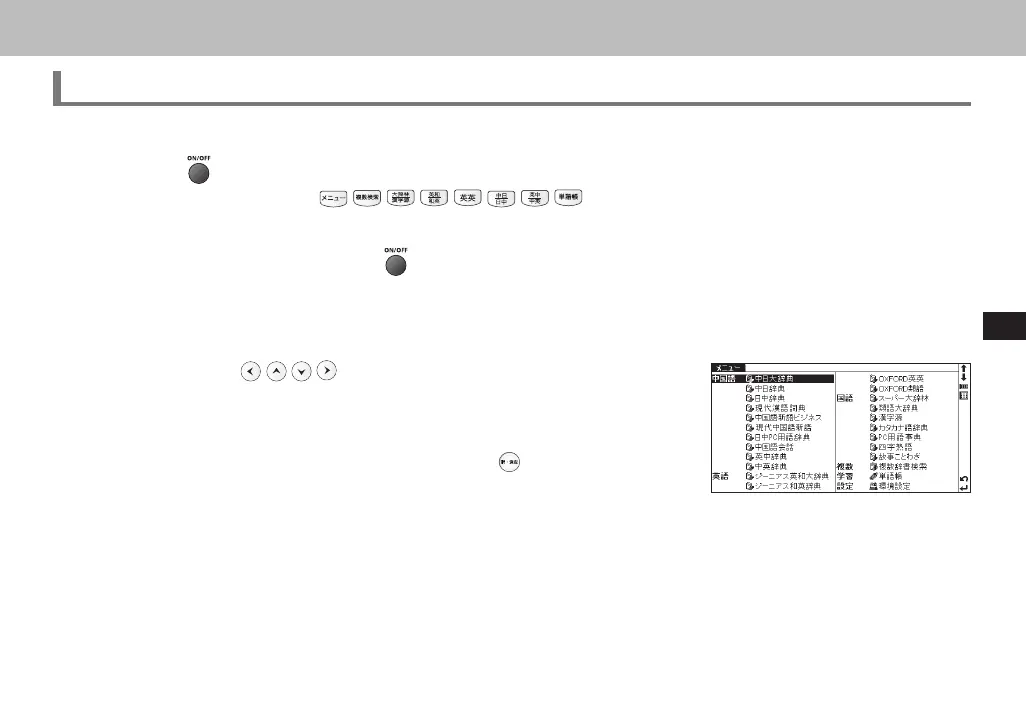
Press the key to turn on the unit. The screen viewed the last time will appear (resume function). In another way, press
any of the following keys:
to turn on the unit. The initial screen of the chosen
dictionary or related function will appear.
2
When the screen is turned on, press to turn off the unit. The unit itself will automatically turn off to save energy in
case it has not been used for a certain period (Auto power off function).
■ Select items
1
Use cursor keys to select a dictionary in the Main Menu or to
select the input field in the search screen. The chosen item will be highlighted
as shown on the right.
2
On the Main Menu, select any dictionary and press , the search screen of
the chosen dictionary will appear.
CSH06H206-P218-226 06.8.17, 4:40 PMPage 221 AdobePageMaker6.5J/PPC



 To Next Page