Setting the Color Space _
The color space refers to the range of reproducible colors. With tMs
camera, you can set the color space to sRGB or Adobe RGB for
captured images. For normal shooting, sRGB is recommended.
In Basic Zone modes, sRGB is set automatically.
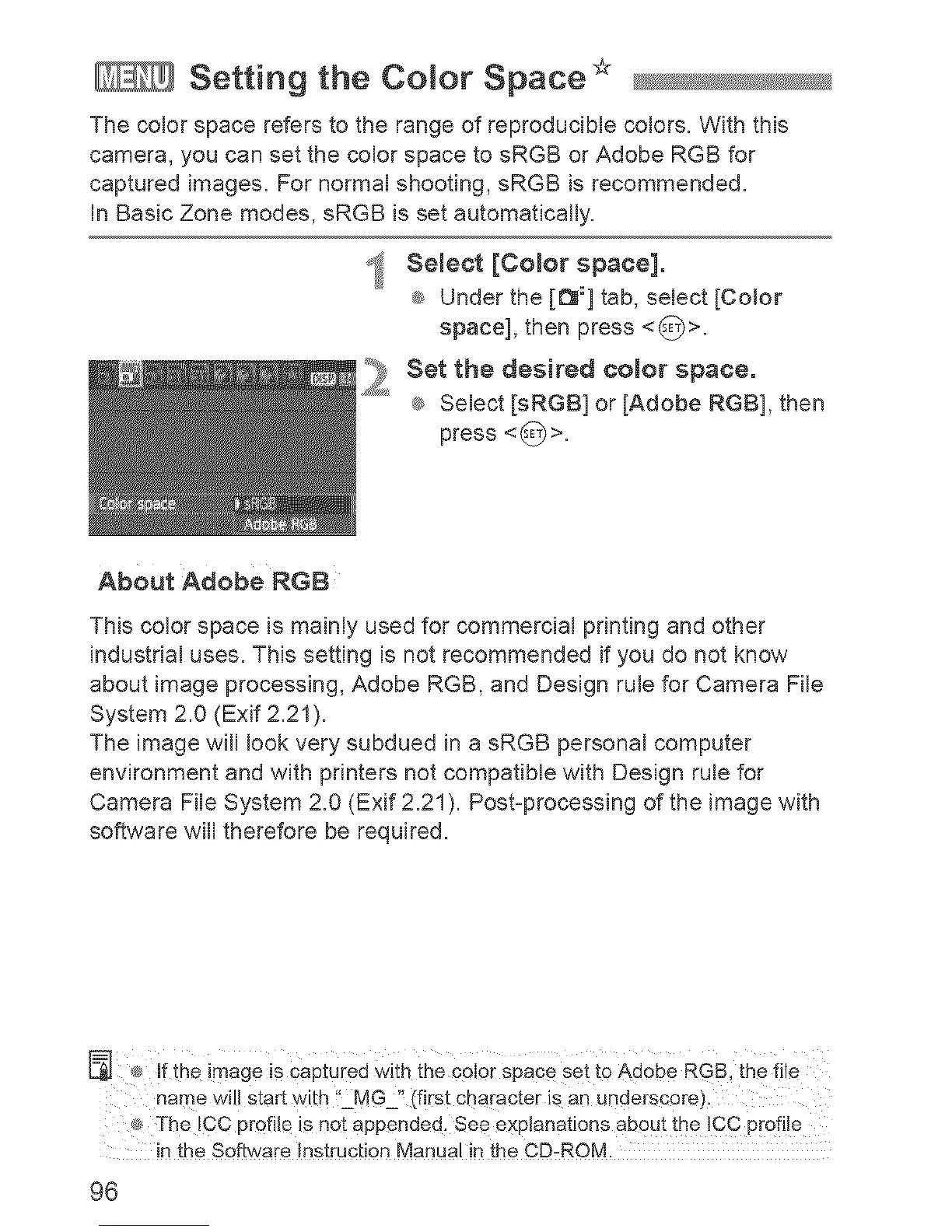
_ Select [Color space].
_ Under the [_:] tab, select [CoJor
space], then press <_>.
_ et the desired color space.
®_Select [sRGB] or [Adobe RGB], then
press <_>.
About Adobe RGB
This color space is mainly used for commercial pdnting and other
industrial uses. This setting is not recommended if you do not know
about image processing, Adobe RGB, and Design rule for Camera File
System 2.0 (Exif 2.21).
The image will look very subdued in a sRGB personal computer
environment and with printers not compatible with Design rule for
Camera File System 2.0 (Exif 2.21). Post-processing of the image with
software will therefore be required.
® if the image is captured With the color Space set to Adobe RGB, the file
name will start with "MG '_{[first character is an underscore).
¢_ The ICC profile is not appended. See explanations about the ICC profile
in the Software Instruction Manual in the CD-ROM.
96












 To Next Page