EasyManua.ls Logo

Canon EOS R3 - User Manual

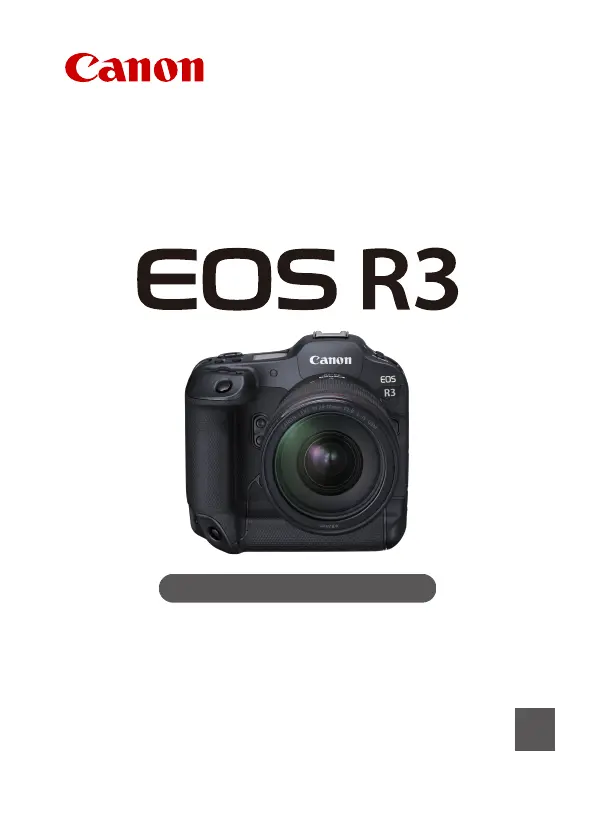
Canon EOS R3
1037 pages
Print Icon
To Next Page IconTo Next Page
Loading...
Advanced User Guide
E
CT2-D147-A
© CANON INC. 2021

Table of Contents

Questions and Answers

  • A
    Allison Cantrell MDSep 8, 2025
    What does 'Connection target not found' mean on Canon EOS R3?
    • H
      Hannah BennettSep 8, 2025
      If your Canon Digital Camera displays 'Connection target not found', turn on the target device and access point, then wait a while. If a connection still cannot be established, perform the procedures to establish the connection again.
  • D
    danielhillAug 23, 2025
    What to do if my Canon EOS R3 displays 'Wired LAN connection lost'?
    • A
      Alexandra MasonAug 23, 2025
      If your Canon Digital Camera loses its wired LAN connection, try the following: * Reconnect the LAN cable between the camera and the server, and if the cable is damaged, try using a different one. * Ensure the hub or router is turned on. * Verify that the server is turned on, as it might have been turned off due to an energy-saving mode.
  • R
    richard22Aug 25, 2025
    Why does my Canon EOS R3 say 'Set the correct date and time'?
    • E
      Eric WardAug 26, 2025
      If your Canon Digital Camera prompts you to set the correct date and time, verify the [: Date/Time/Zone] settings in the camera's menu.
  • M
    mgreenAug 27, 2025
    What to do if my Canon EOS R3 Digital Camera displays 'Not enough free space on server'?
    • K
      Katherine LopezAug 27, 2025
      If your Canon Digital Camera shows a 'Not enough free space on server' error, delete unnecessary images on the Web server. Then, check the available free space on the Web server and try sending the data again.
  • S
    staceytranAug 27, 2025
    How to fix 'Cannot connect to FTP server' on Canon Digital Camera?
    • P
      Phillip HallAug 27, 2025
      If your Canon Digital Camera cannot connect to the FTP server, consider these solutions: * Disable the proxy server setting on the camera if you are not using a proxy server. * Ensure the camera's proxy server address and port number match those of the proxy server. * Verify that the proxy server's [Address] is correctly set on the DNS server. * Make sure the IP address on the camera matches the actual FTP server address. * If using encryption, check that the encryption keys match, paying attention to upper- and lower-case letters. * Ensure the port number (typically 21 for FTP/FTPS or 22 for SFTP) is the same on both the camera and the FTP server. * Verify the FTP server's [Server name] is correctly set on the DNS server.
  • A
    Anthony BrownSep 23, 2025
    What does 'Error detected on server Try again later' mean on Canon EOS R3 Digital Camera?
    • D
      Donald EvansSep 23, 2025
      If your Canon Digital Camera displays 'Error detected on server Try again later', try accessing image.canon over Wi-Fi again later.
  • T
    Thomas LambSep 16, 2025
    What does 'The server is currently busy Please wait a moment and try again' mean on Canon Digital Camera?
    • M
      Mary SmithSep 17, 2025
      If your Canon Digital Camera displays 'The server is currently busy Please wait a moment and try again', try accessing image.canon over Wi-Fi again later.
  • J
    john52Sep 18, 2025
    What does 'Try again' mean on Canon Digital Camera?
    • B
      Brian GonzalesSep 18, 2025
      If your Canon Digital Camera displays 'Try again', try again to establish the Wi-Fi connection to image.canon.
  • S
    Suzanne WilliamsSep 6, 2025
    What to do if my Canon EOS R3 displays 'An error has occurred'?
    • J
      joseph60Sep 6, 2025
      If your Canon Digital Camera displays 'An error has occurred', try again to establish the Wi-Fi connection to image.canon.
  • S
    Sabrina RiceSep 3, 2025
    What to do if my Canon EOS R3 Digital Camera displays 'For the data session, error code received from FTP server'?
    • J
      jacksonjerrySep 3, 2025
      If your Canon Digital Camera encounters an error during the data session with the FTP server, consider these solutions: * Restart the FTP server. * Ensure the FTP server's user rights allow reading, writing, and log access. * Verify that the user rights for the target folder on the FTP server permit saving images from the camera. * Turn on the FTP server, as it may have been disabled due to an energy-saving mode. * Increase the available space on the hard disk.

Canon EOS R3 Specifications

General IconGeneral
Sensor TypeFull-frame CMOS
Effective Megapixels24.1 MP
Image ProcessorDIGIC X
Autofocus SystemDual Pixel CMOS AF II
ISO Range100-102400 (expandable to 50-204800)
Viewfinder5.76 million-dot OLED EVF
BatteryLP-E19
Weather SealingYes
AF Points1053
Body MaterialMagnesium Alloy
Dimensions150 x 142.6 x 87.2 mm
Continuous Shooting Speed30 fps (electronic shutter)
LCD Screen3.2-inch vari-angle touchscreen
Video Recording6K 60p RAW, 4K 120p
ConnectivityWi-Fi, Bluetooth, Ethernet
Storage MediaCFexpress Type B, SD Card (UHS-II)
WeightApprox. 822 g (body only)
Shutter Speed30-1/8000 sec (mechanical)

Related product manuals