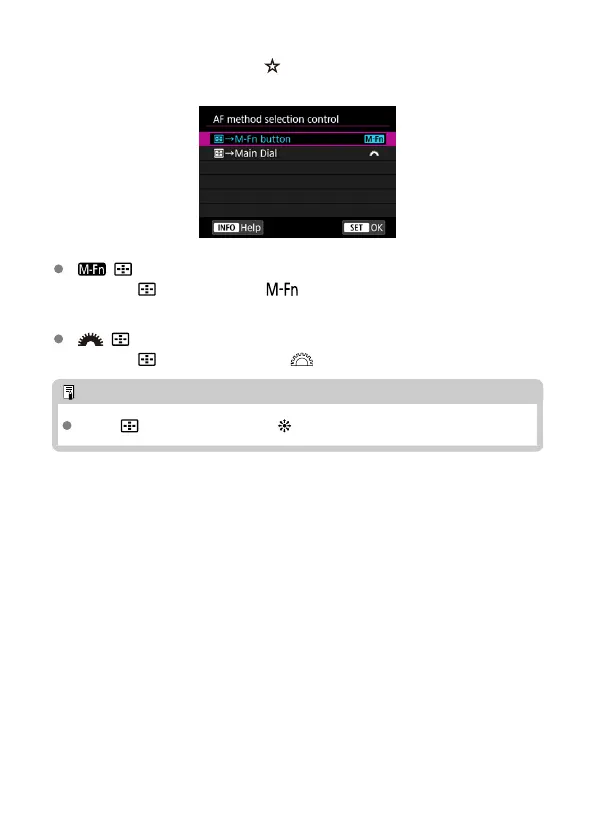
AF method selection control
You can set how AF method selection methods are switched.
[ ] →M-Fn button
Press the < > button, then the < > button. Each press switches the AF
method.
[ ] →Main Dial
Press the < > button, then turn the < > dial to switch the AF method.
Note
When [ →Main Dial] is set, use
<
> to move the AF point horizontally.
443



 To Next Page