EasyManua.ls Logo

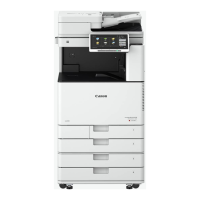
Canon Image Runner Advance - Print Function

Canon Image Runner Advance
26 pages
Print Icon
To Next Page IconTo Next Page
To Previous Page IconTo Previous Page
Loading...
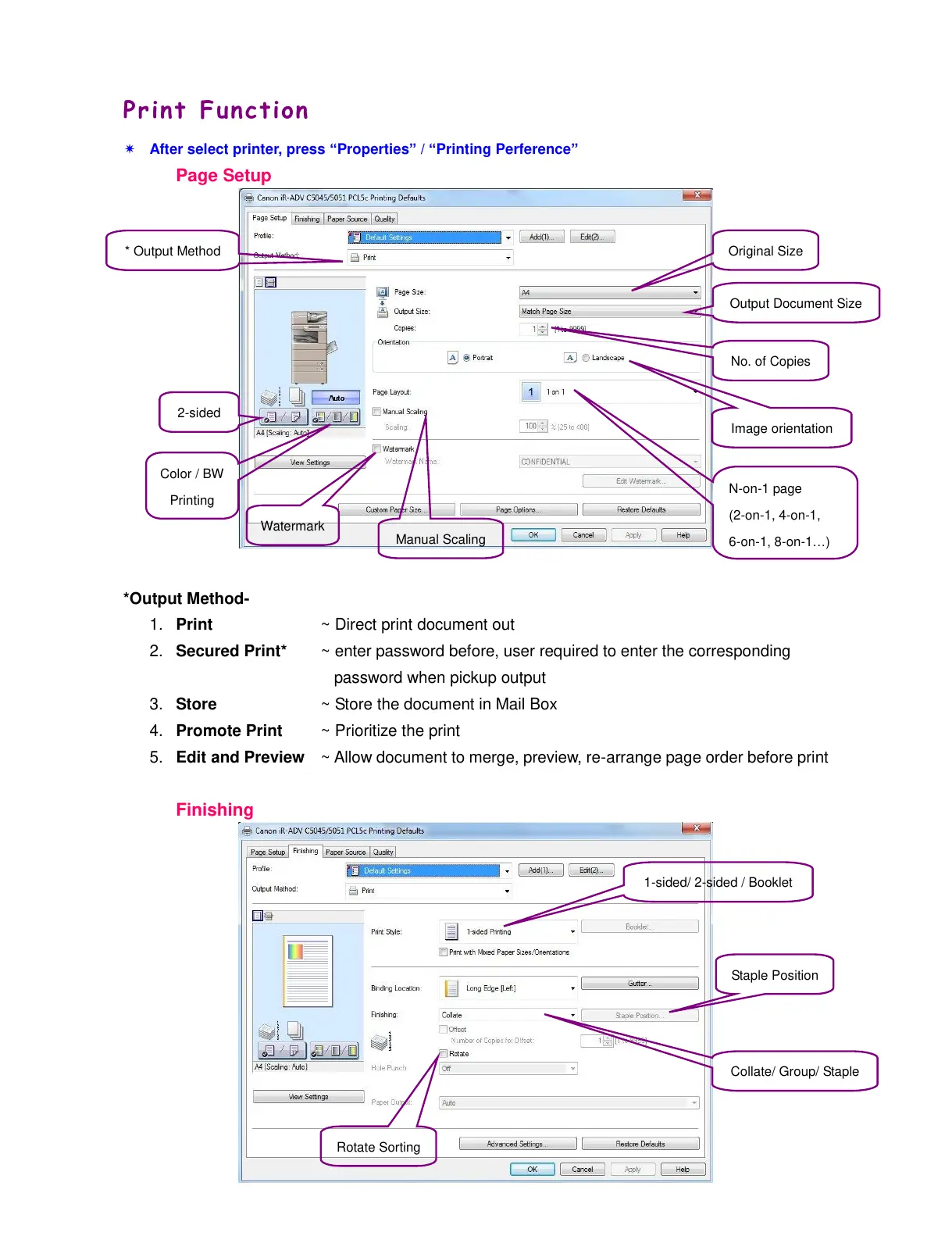
Print Function
After select printer, press “Properties” / “Printing Perference”
Page Setup
*Output Method-
1. Print ~ Direct print document out
2. Secured Print* ~ enter password before, user required to enter the corresponding
password when pickup output
3. Store ~ Store the document in Mail Box
4. Promote Print ~ Prioritize the print
5. Edit and Preview ~ Allow document to merge, preview, re-arrange page order before print
Finishing
* Output Method
Original Size
Output Document Size
No. of Copies
Image orientation
2-sided
Watermark
N-on-1 page
(2-on-1, 4-on-1,
6-on-1, 8-on-1…)
Manual Scaling
Rotate Sorting
Staple Position
Collate/ Group/ Staple
Color / BW
Printing
1-sided/ 2-sided / Booklet
All manuals and user guides at all-guides.com