7
5
(Paper) indicator / key
Flashes when the machine is out of paper or
when the paper is the wrong size. Reset the paper
and press this key to restart printing.
Es
Parpadea cuando el equipo no tiene papel o
cuando el tamaño del papel no es correcto.
Reponga el papel y pulse esta tecla para
reanudar la impresión.
Kr
기기에 용지가 부족한 경우, 용지의 크기가
잘못된 경우 점등됩니다. 용지를 다시 놓고
키를 눌러 인쇄를 다시 시작하십시오.
T
h
V
n
Đèn chớp sáng khi máy hết giấy hoặc khi sai
kích cỡ giấy. Bỏ giấy vào lại và ấn phím này
để khởi động lại công việc in.
6
Power switch
Turns the power ON or OFF.
Es
Enciende y apaga el equipo.
Kr
전원을 켜고 끕니다.
T
h
V
n
BẬT hoặc TẮT nguồn.
7
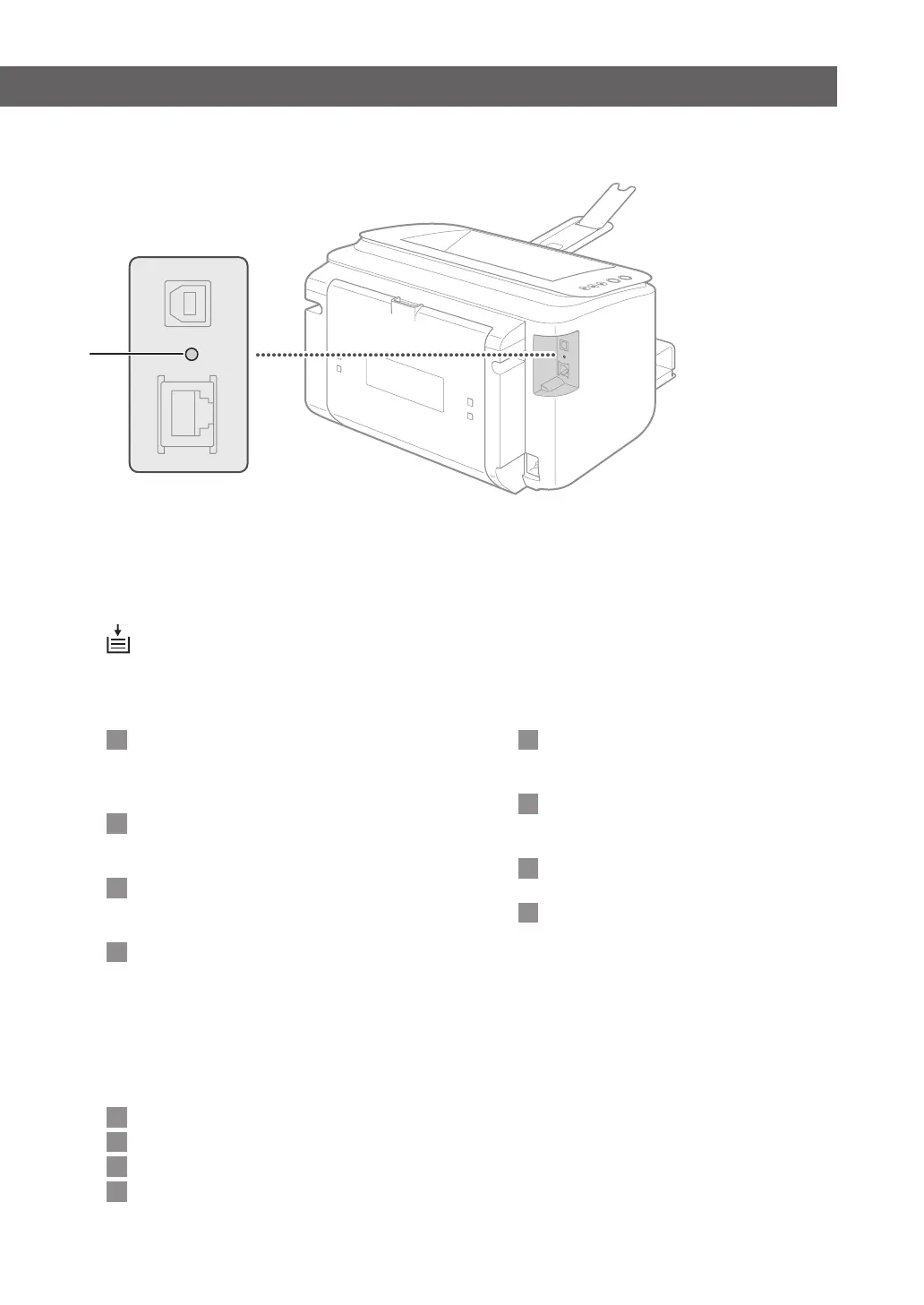
Reset button
You can also press this key while turning ON
the power
to initialize the system management
settings.
Es
También puede mantener apretada esta tecla
mientras enciende el equipo para inicializar
las opciones de administración del sistema.
Kr
시스템 관리 설정을 초기화하고자 할 때,
전원을 켜면서 리셋 버튼을 누를 수도 있
습니다.
T
h
V
n
Bạn cũng có thể ấn phím này trong khi đang
BẬT nguồn điện để khởi tạo cài đặt quản lý
hệ thống.
Indicators
7














 To Next Page