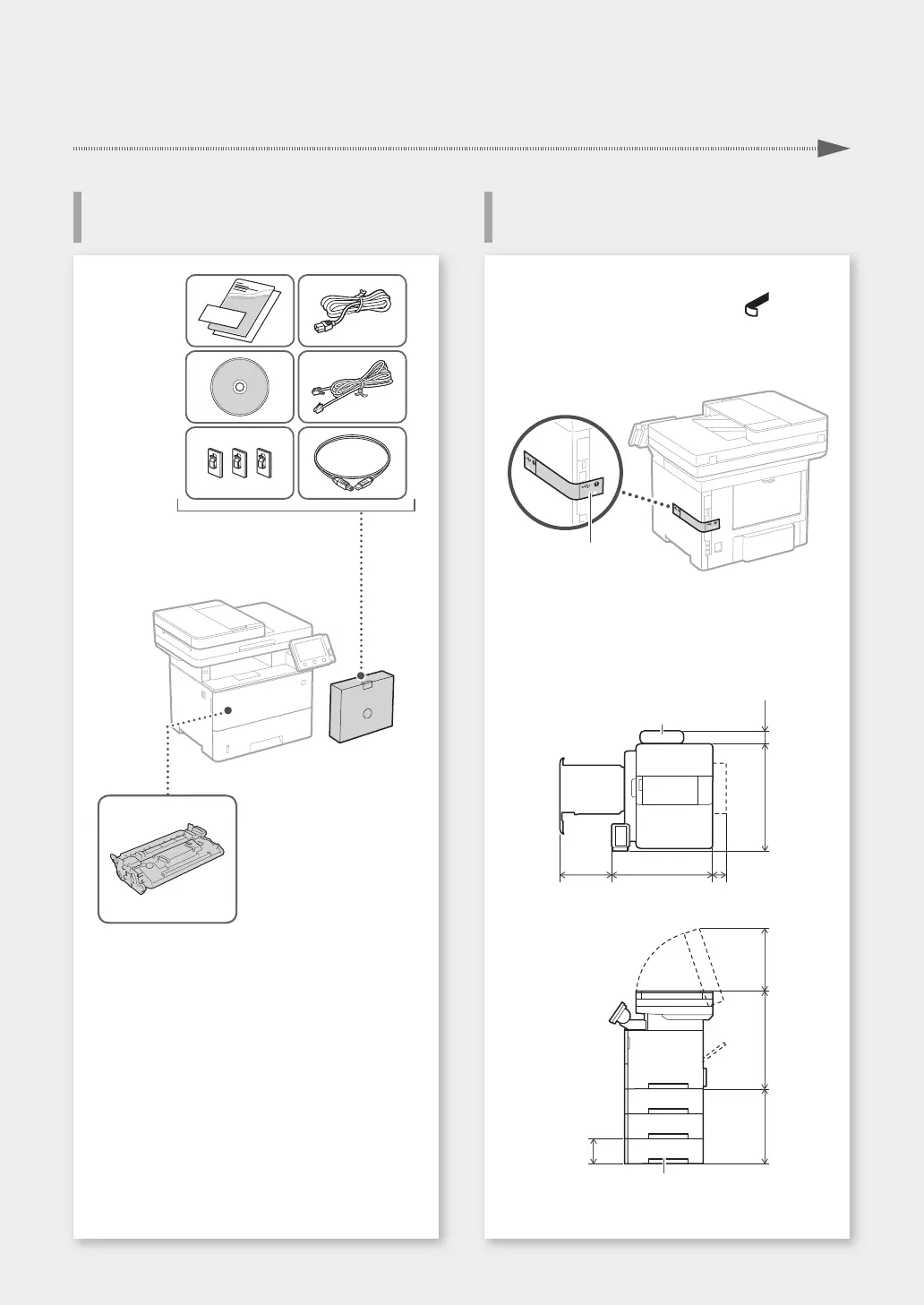
Before starting the installation
• Remove all of the tape.
• Do not remove the sticker that covers the USB
port.
Sticker
Installation requirements
Provide a space of 100 mm or more around the
machine.
370 mm 464 mm 71 mm
494 mm 47 mm
Handset
(optional)
272 mm452 mm390 mm
130 mm
Paper feeder (optional)
Toner cartridge (included with the machine)
3
Items Included with the Machine Installing the Machine
Installation of the Machine
Quick Setup










 To Next Page