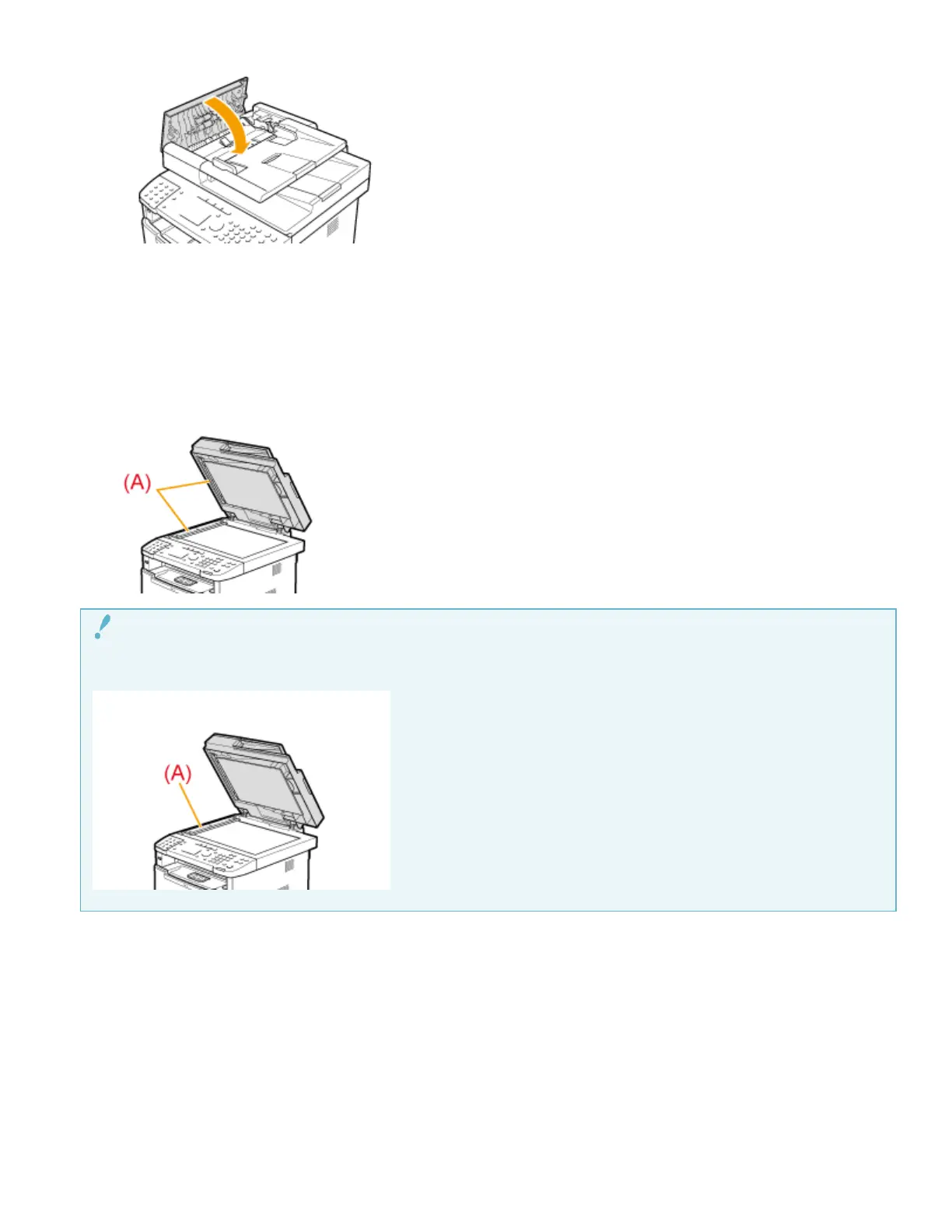
Wipe the scanning area (A) of the platen glass.
(1) Wipe with a well wrung out cloth dampened with water.
(2) Wipe with a soft, dry cloth.
Precaution when cleaning the platen glass
Take care not to bend the clear sheet (A) at the left edge of the platen glass.
Close the feeder.
Connect the power cord and turn ON the power switch.
IMPORTANT
5
6
7











 To Previous Page