◼ Adjusting Sharpness
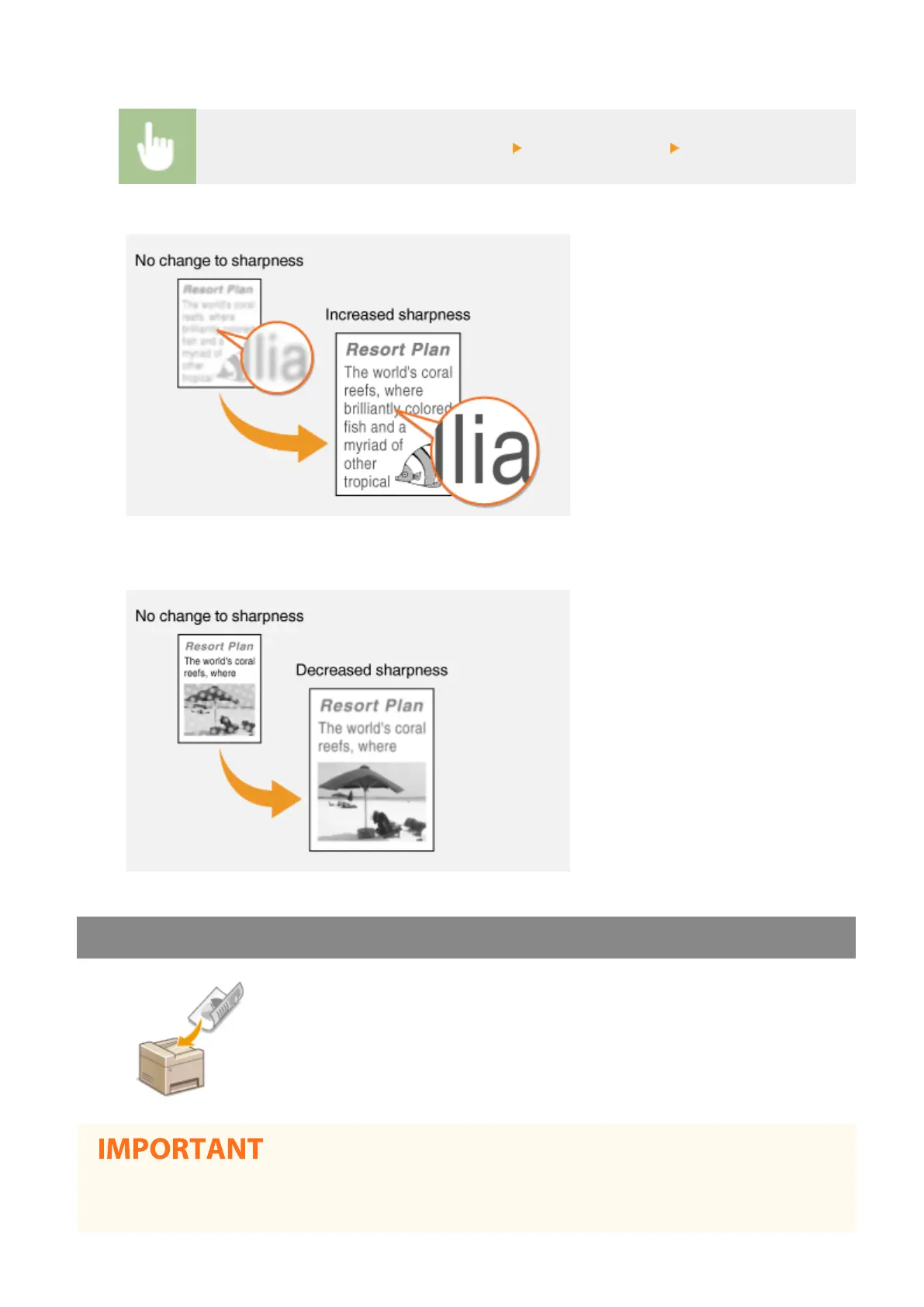
Select <Sharpness> in the <TX/RX Settings> tab Adjust the sharpness <Apply>
Example: If you want to sharpen text and lines written in pencil
Example: If you want to improve the appearance of magazine photos
Scanning 2-Sided Originals
The machine can automatically scan the front and back sides of originals in the
feeder.
● The machine cannot scan both sides of originals automatically when the originals are placed on the platen
glass or when the machine is set to Manual Sending.
Faxing
222








 To Next Page