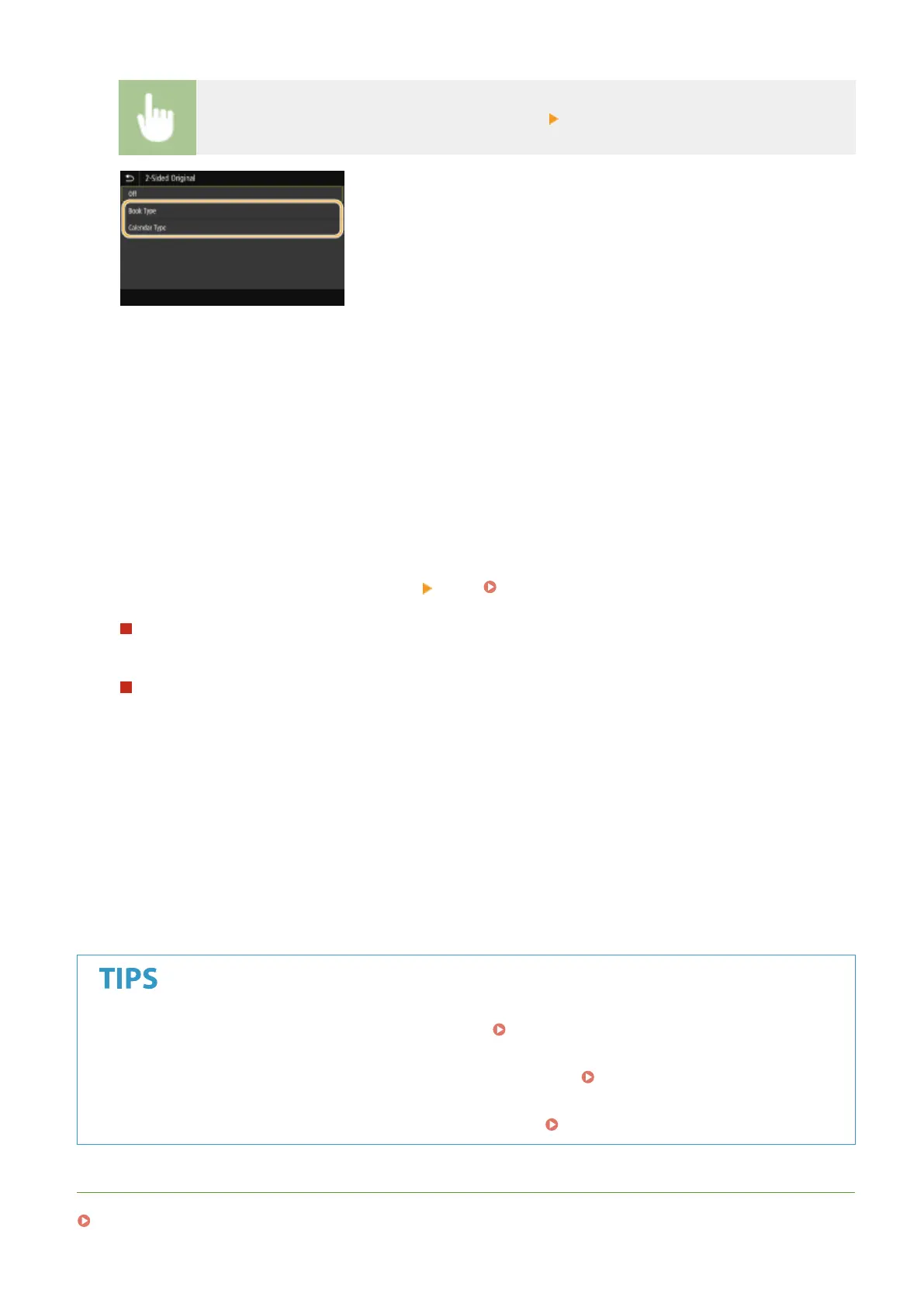
Select <2-Sided Original> in the <TX/RX Settings> tab Select <Book Type> or <Calendar Type>
<Book Type>
Select for originals whose images on the front and back sides face the same direction.
<Calendar Type>
Select for originals whose images on the front and back sides face in opposite directions.
6
Select <Start>.
● If the <Conrm Destination> screen is displayed, check whether the destination is correct, and then select
<Start Scanning>.
➠
Scanning of the original starts.
● If you want to cancel, select <Cancel> <Yes>. Canceling Sending Faxes(P. 225)
When placing originals in the feeder in step 1
When scanning is complete, the faxes are sent.
When placing originals on the platen glass in step 1
When scanning is complete, follow the procedures below.
1
Select the original size.
● When there is only one page to be scanned, proceed to step 3.
2
Place the next original on the platen glass, and select <Scan Next>.
● Repeat this step until you nish scanning all of the pages.
3
Select <Start Sending>.
➠ The faxes are sent.
● If you always want to send faxes with the same settings: Changing the Default Settings for
Functions(P. 176)
● If you want to register a combination of settings to use when needed:
Registering Frequently Used
Settings(P. 174)
● If you want to sound an alarm when the handset is off the hook: <Off-Hook Alarm>(P. 542)
LINKS
Canceling Sending Faxes(P. 225)
Faxing
223








 To Next Page