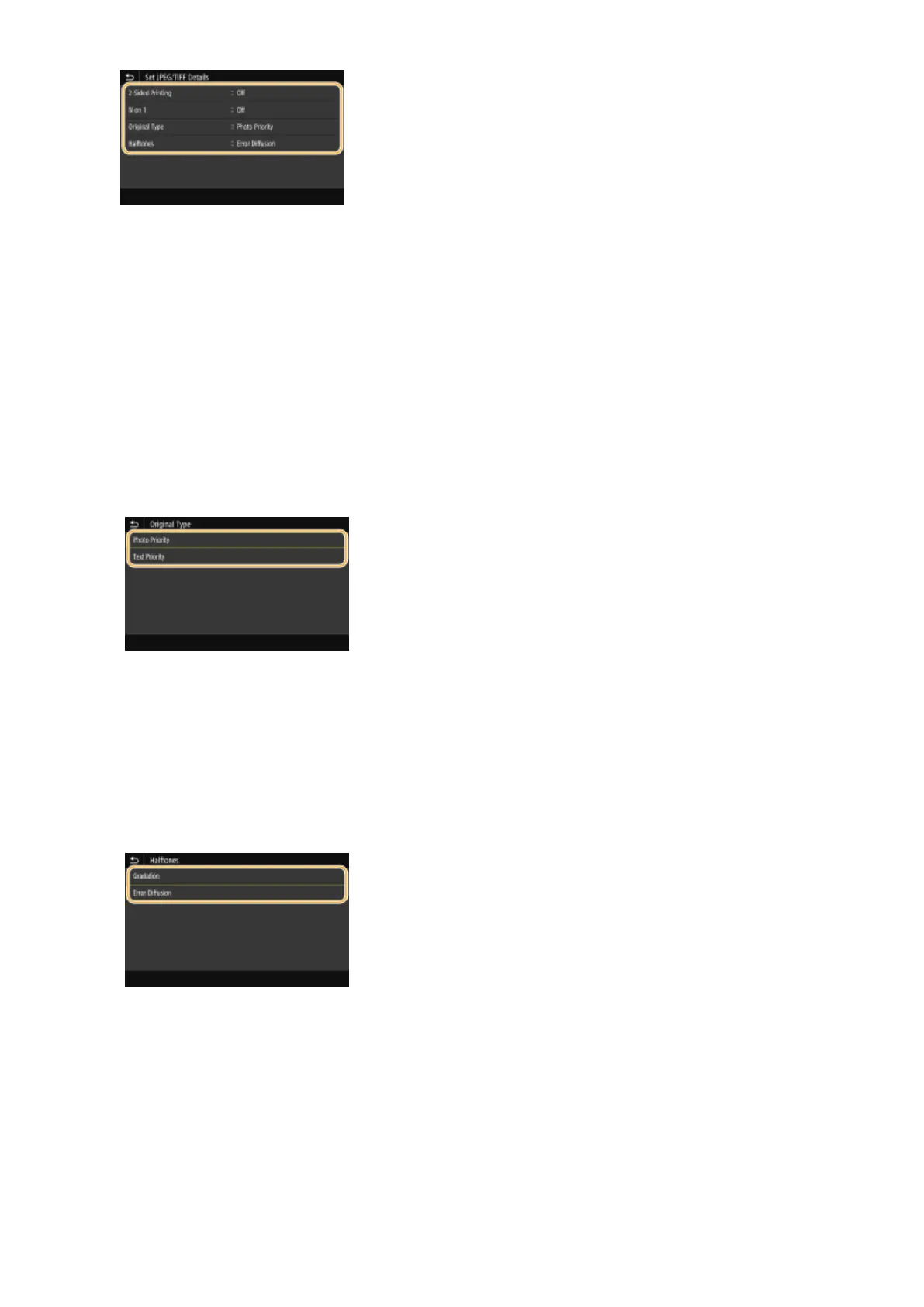
<2-Sided Printing>
You can make 2-sided printouts. Select the binding position.
<N on 1> (JPEG les only)
Prints data for multiple pages of image data on the same side of a sheet of paper. You can specify the number
of pages to print on one side of a sheet of paper. For example, to print four pages on one side of a sheet of
paper, select <4 on 1>.
<Original Type>
You can select the type of original depending on the image to print.
<Photo Priority>
Gives priority to printing photo images smoothly.
<Text Priority>
Gives priority to printing text clearly.
<Halftones>
You can select the printing method used to reproduce halftones (the intermediate range between the lighter
and darker areas of an image) for optimal image quality.
<Gradation>
Prints images with ne gradation, such as digital camera images, with a smooth nish.
<Error Diffusion>
Prints images with small text or ne lines with a clear nish.
<Set PDF Details>
You can change the print settings for PDFs.
Printing
274








 To Next Page