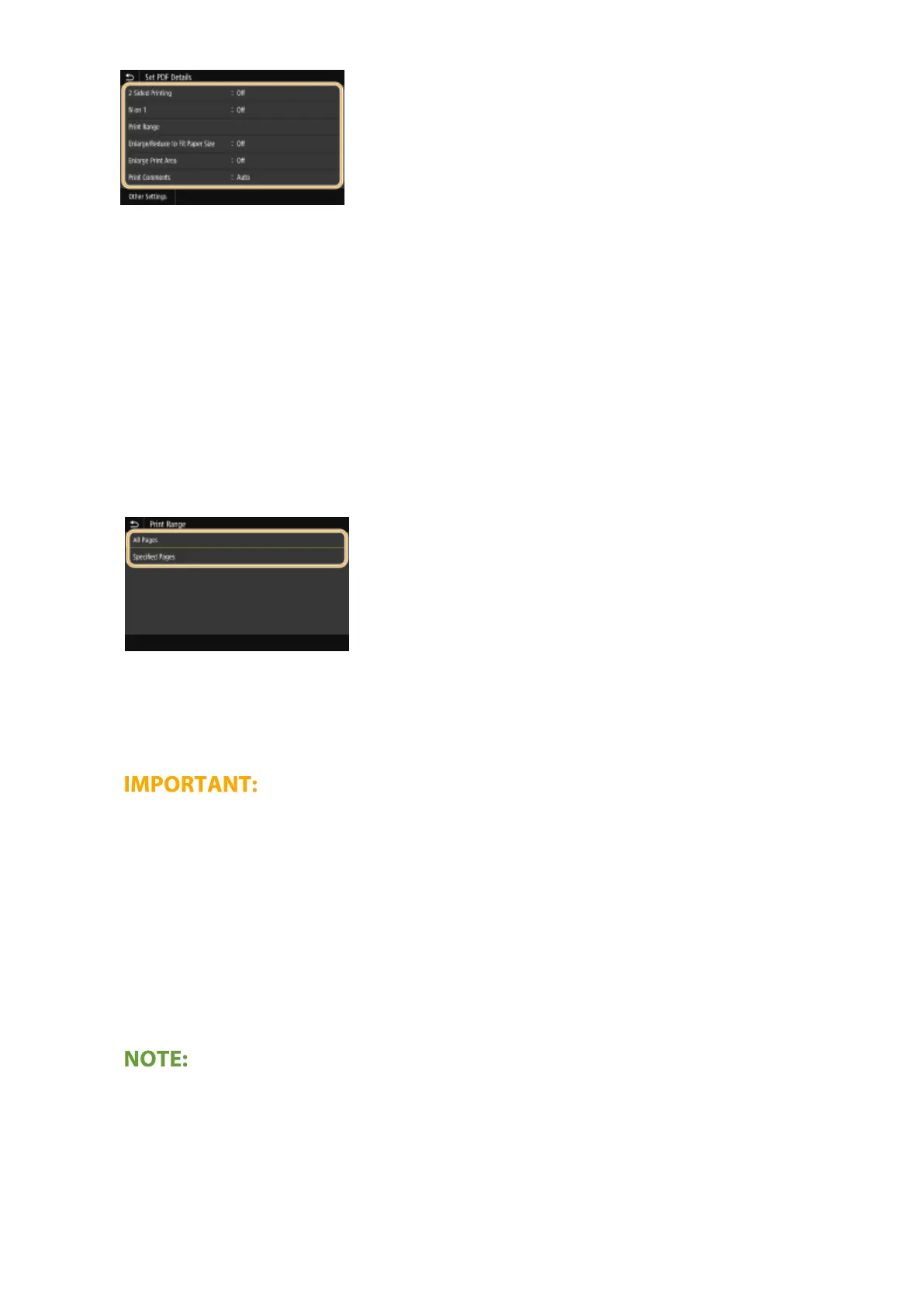
<2-Sided Printing>
You can make 2-sided printouts. Select the binding position.
<N on 1>
Prints data for multiple pages of image data on the same side of a sheet of paper. You can specify the number
of pages to print on one side of a sheet of paper. For example, to print four pages on one side of a sheet of
paper, select <4 on 1>.
<Print Range>
Specify pages you want to print.
<All Pages>
Prints all pages.
<Specied Pages>
Specify the range of pages you want to print. Enter the desired value in each of <Start Page> and <End Page>,
and select <Apply>.
● When the specied page range does not match any of the pages of the PDF le, printing is not performed.
<Enlarge/Reduce to Fit Paper Size>
Specify whether to enlarge or reduce the original according to the print range of paper. Note that size
enlargement/reduction will not affect the aspect ratio of the original.
<Enlarge Print Area>
Specify whether to extend the print range to the paper size.
● If you set to <On>, part of print data may not be printed in edge areas or paper may be partly smudged
depending on the document.
<Print Comments>
This setting species whether to print annotations in the PDF le.
Printing
275








 To Next Page