Configuring with WPS Features (Push Button
Mode)
12
<< Previous Next >>
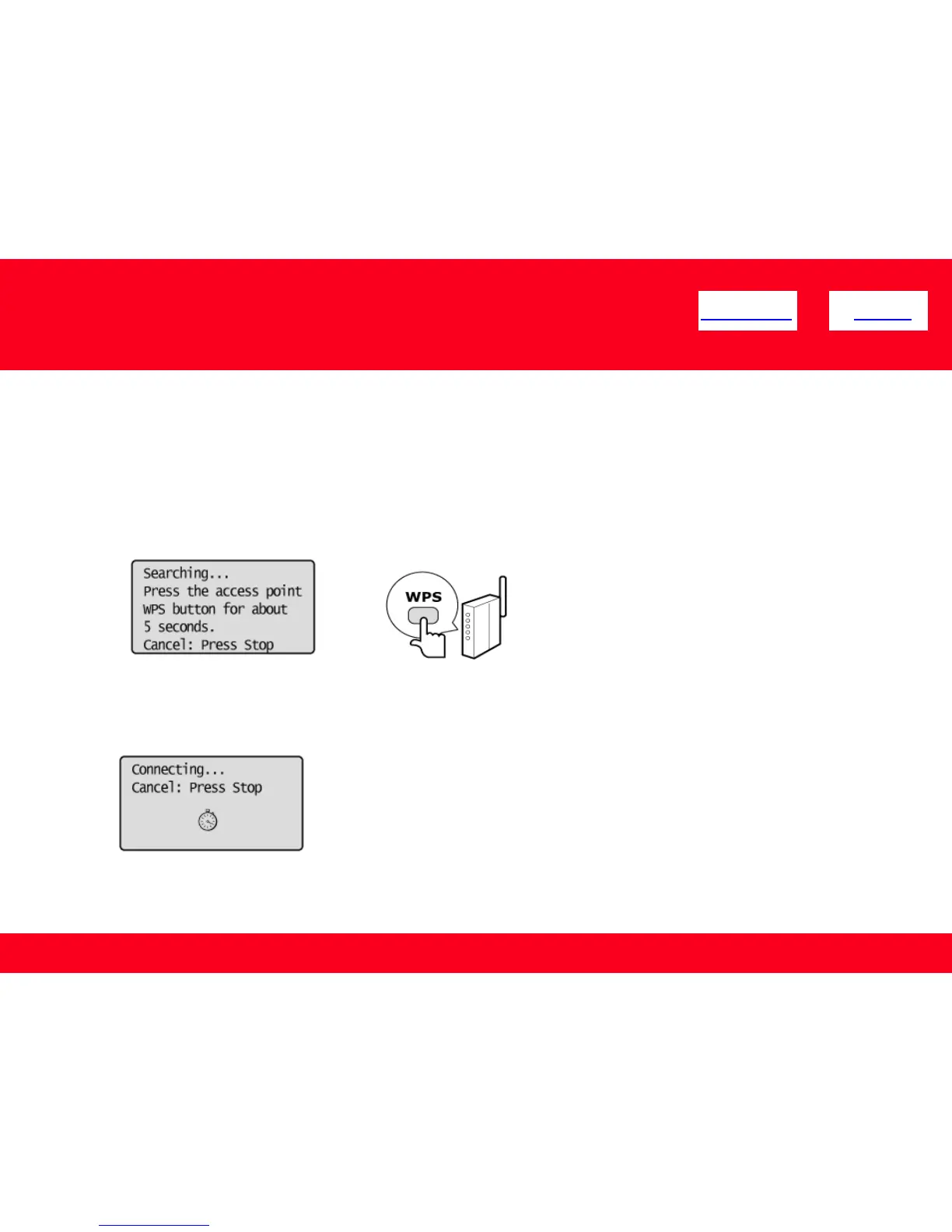
7. Within 2 minutes, press and hold the WPS button on the wireless LAN
router or access point.
*The amount of time you must hold down the WPS button will depend on the wireless LAN router or access
point you are using. Please refer to the instruction manual for wireless LAN router or access point.
*If “Cannot find Access Point” appears, press [OK] to close the screen and follow the procedure again from Step
5.











 To Next Page