17
Configuring with WPS Features (Pin Code Mode)
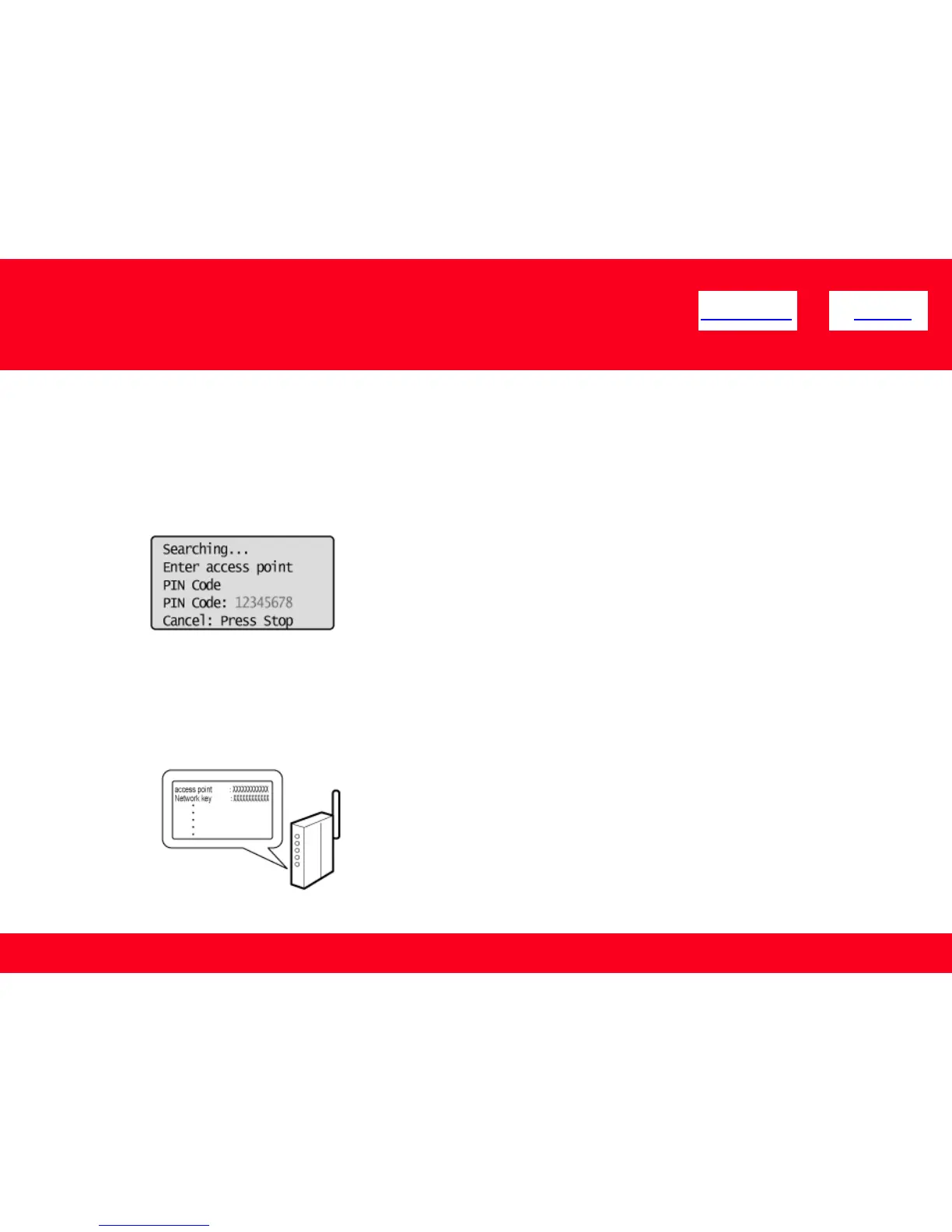
7. Within 10 minutes, use your computer to enter the PIN code displayed
on the screen into the wireless LAN router or access point.
*For PIN code entry methods, see the instruction manual provided with the wireless LAN router or access point
you are using.
* If “Cannot find Access Point” appears, press {[OK] to close the screen and follow the procedure from Step 5.
<< Previous Next >>











 To Next Page