33
Configuring Manually (Selecting Access Points)
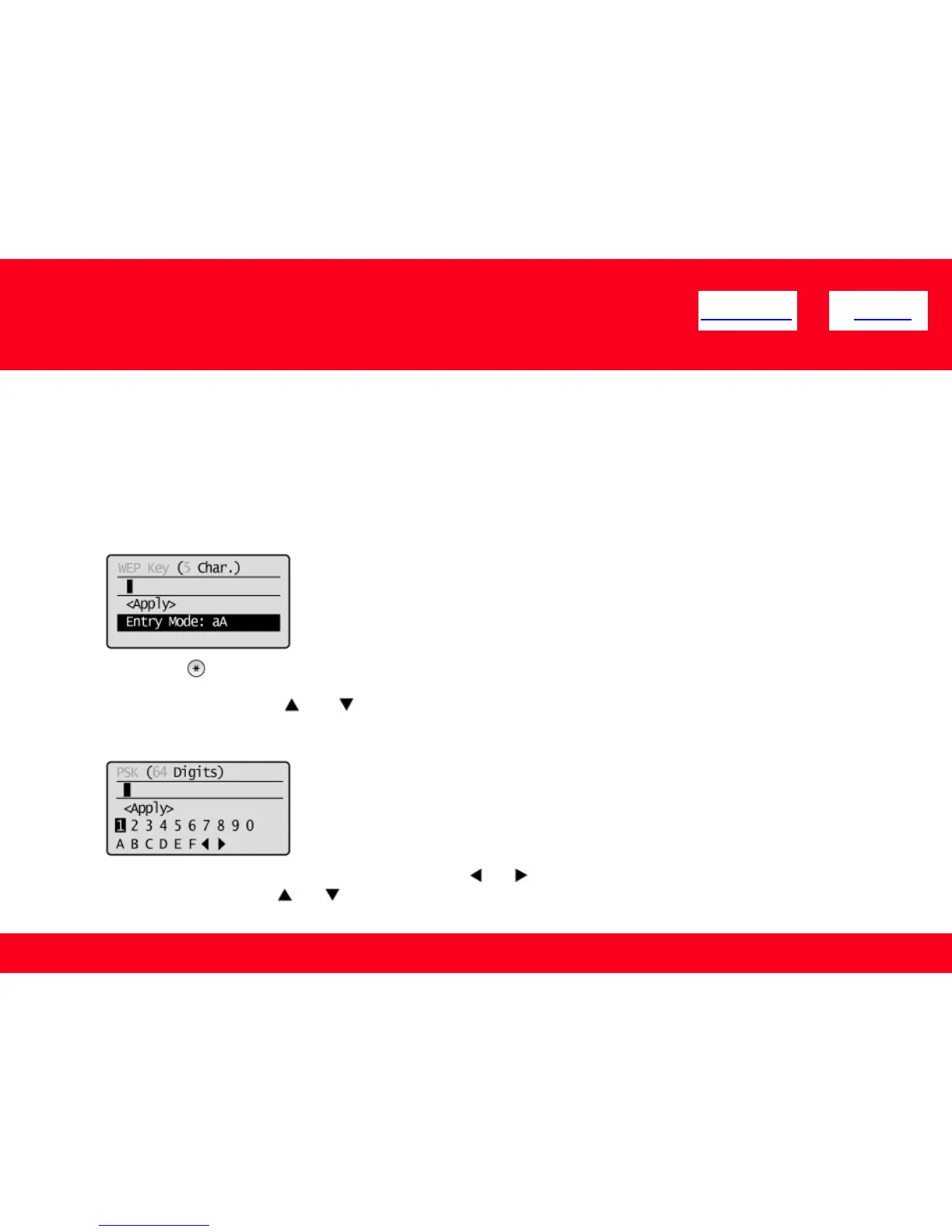
9. Enter the network key that you have written down.
ASCII text
1. Press [ ] (Tone), and the select <Entry Mode>.
2. Enter the network key. Enter it using the numeric keys.
3. Select <Apply> using [ ] or [ ], and then press [OK].
Hexadecimal
1. Enter the network key. Select the characters using [ ] or [ ], and then press [OK] to enter.
2. Select <Apply> using [ ] or [ ], and then press [OK].
<< Previous Next >>











 To Next Page