44
Configuring Manually (Manually Entering SSID)
<< Previous Next >>
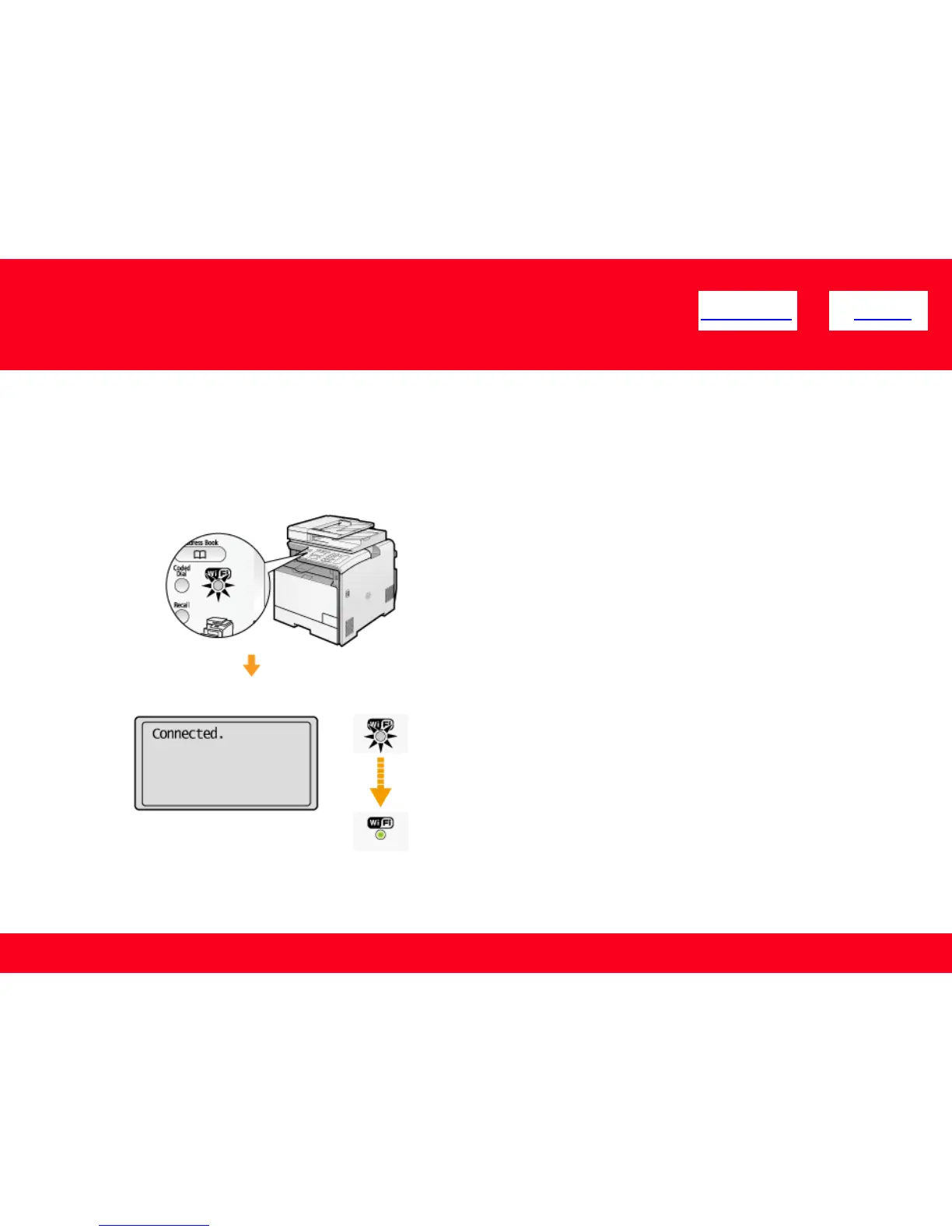
13. Make sure the Wi-Fi indicator blinks.
When the wireless LAN router or access point is detected, the Wi-Fi indicator blinks.
The screen below is displayed for approximately 2 seconds, and then the Wi-Fi indicator will remain solidly lit.
*If an error message appears, press [OK] to close the screen and check to make sure that the type of encryption,
method, the network key are correctly entered. If not, enter the network key again.











 To Next Page