Keys and Buttons Used in This Manual
The followings are examples of how keys and
buttons are expressed in this manual.
•
Touch Panel Display Keys: [Key Name]
[Copy]
[Close]
•
Control Panel Keys: Key Icon (Key Name)
(Start) (Stop)
•
Buttons on Computer Operation Screens: [Button
Name]
[OK], [Add], [Cancel]
Illustrations Used in This Manual
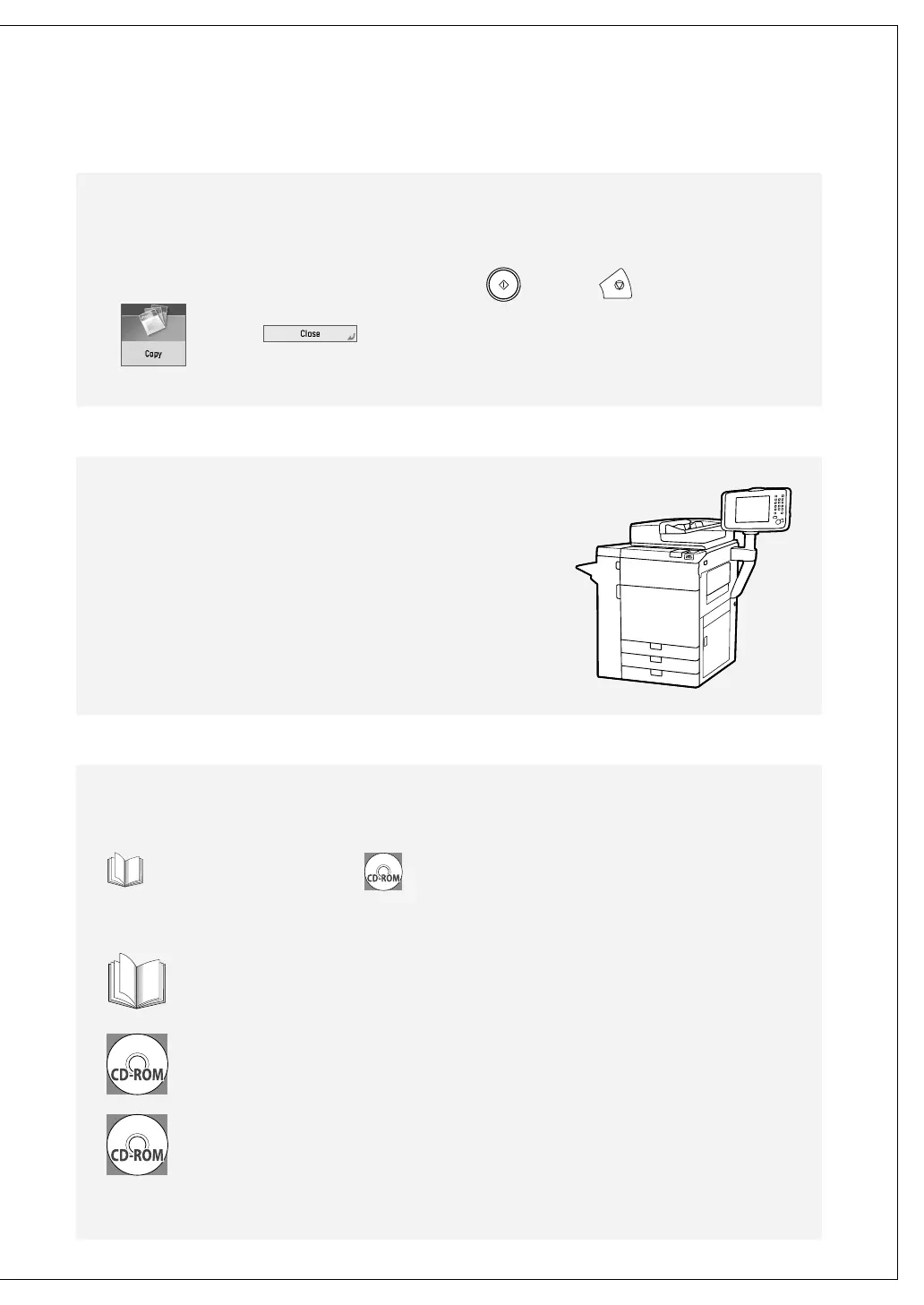
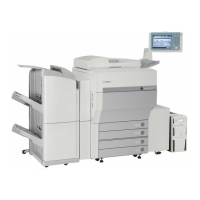
Illustrations used in this manual are those displayed when
the imagePRESS C800 has the following optional equipment
attached to it: the Duplex Color Image Reader Unit-H1, Upright
Control Panel-D1, and Output Tray-A1.
Manuals for the Machine
The manuals for this machine are divided as follows. Please refer to them for detailed information.
Printed manuals Manuals included in the accompanying CD-ROM
* The CD-ROM/DVD-ROM provided for this product may include manuals in PDF format. If you do not have access to Adobe Reader to
view the manuals in PDF format, try other programs such as PDF Preview developed by Vivid Document Imaging Technologies.
Quick Guide (This manual)
Describes the precautions for using the machine, parts names and functions, basic operations, and
specifications of the machine.
e-Manual
Describes all the functions of the machine. Also provided with a search function that is useful for finding
information.
Driver Installation Guide
Provides instructions on installing the drivers. The following installation guides are included in the same
CD-ROM as each driver.
Windows: Printer Driver Installation Guide, Color Network ScanGear 2 Installation Guide
Macintosh: Canon Printer Driver Guide




 To Next Page