Reinstalling the Printer
10
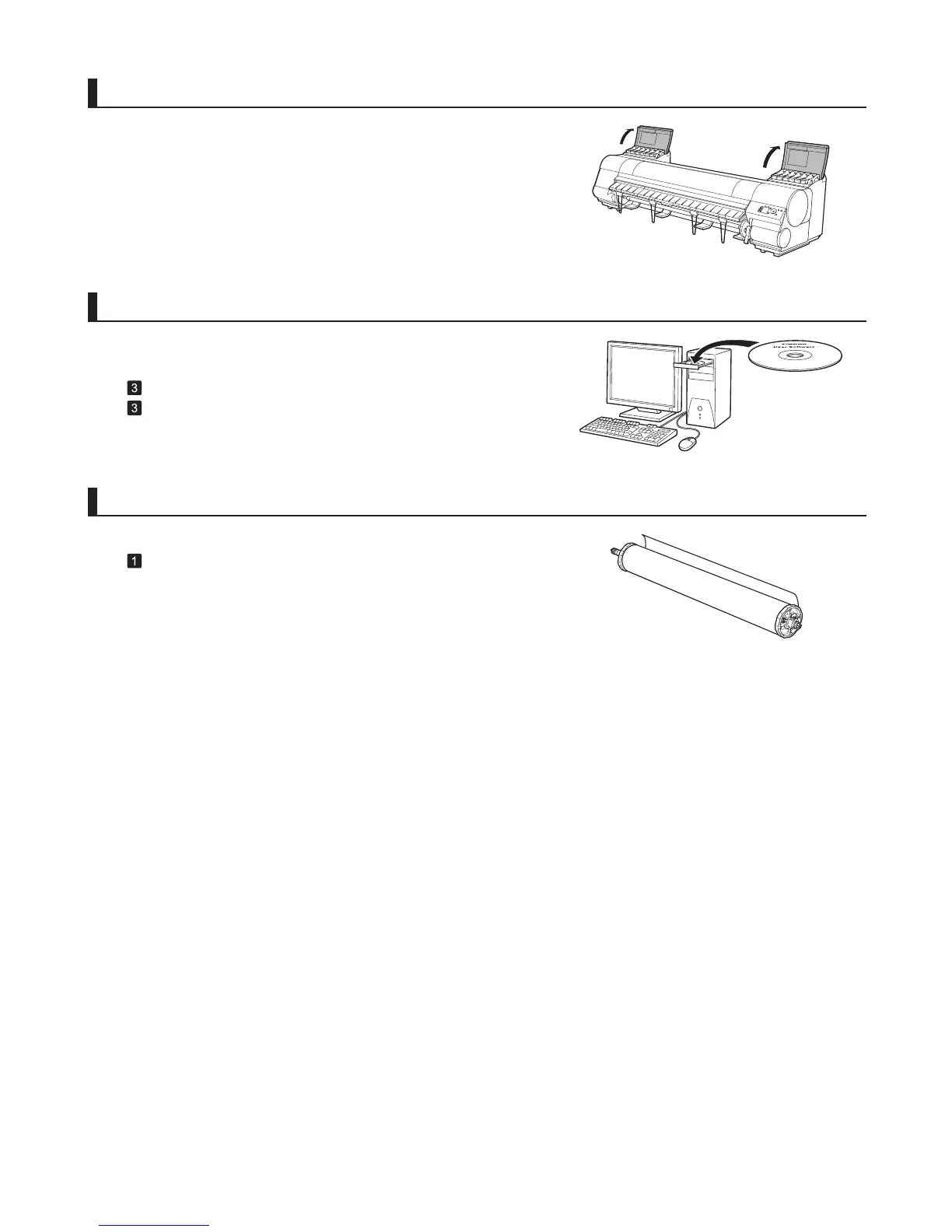
Attach the roll holder to a roll
Attach the Roll Holder to the Roll Media .
(→
, Attaching the Roll Holder to Rolls)
Install the printer driver and manual
Note that the driver installation procedure varies depending on the
type of connection.
(→
, Installing the Printer Driver (Windows))
(→ , Installing the Printer Driver (Mac OS X))
Install the ink tanks
Open the Ink Tank Cover and install the ink tanks.












 To Next Page