Reinstalling the Printer
9
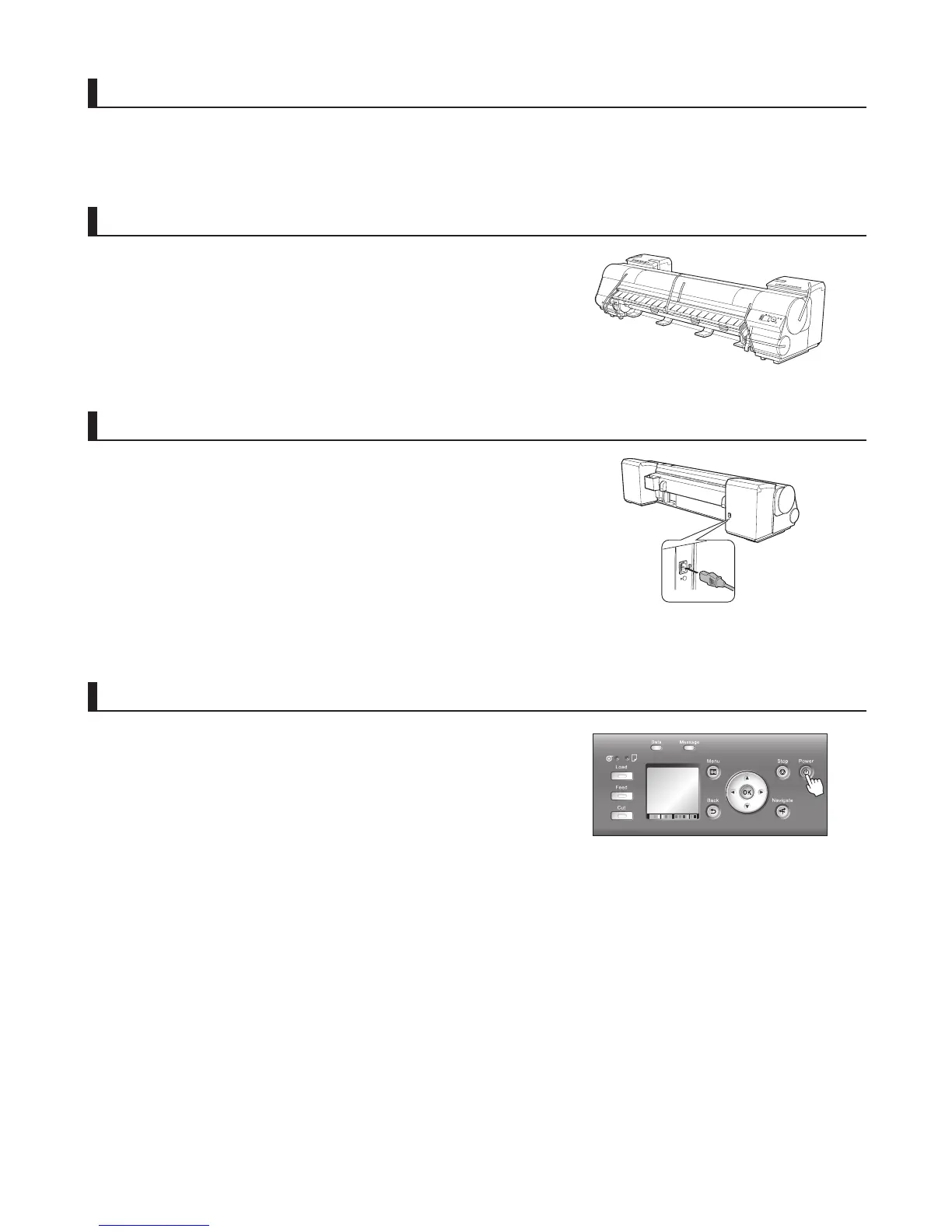
Remove the packaging material
Remove tape and packaging material attached to the printer.
Connect the power cord
Connect one end of the power cord to the Power Supply
Connector on the back of the printer and plug the other end into
the outlet.
Turn the printer on
Press the power button to turn the printer on.
Attach the media take-up unit (optional)
Referring to the Setup Guide included with the Media Take-up
Unit , attach the Media Take-up Unit .












 To Next Page