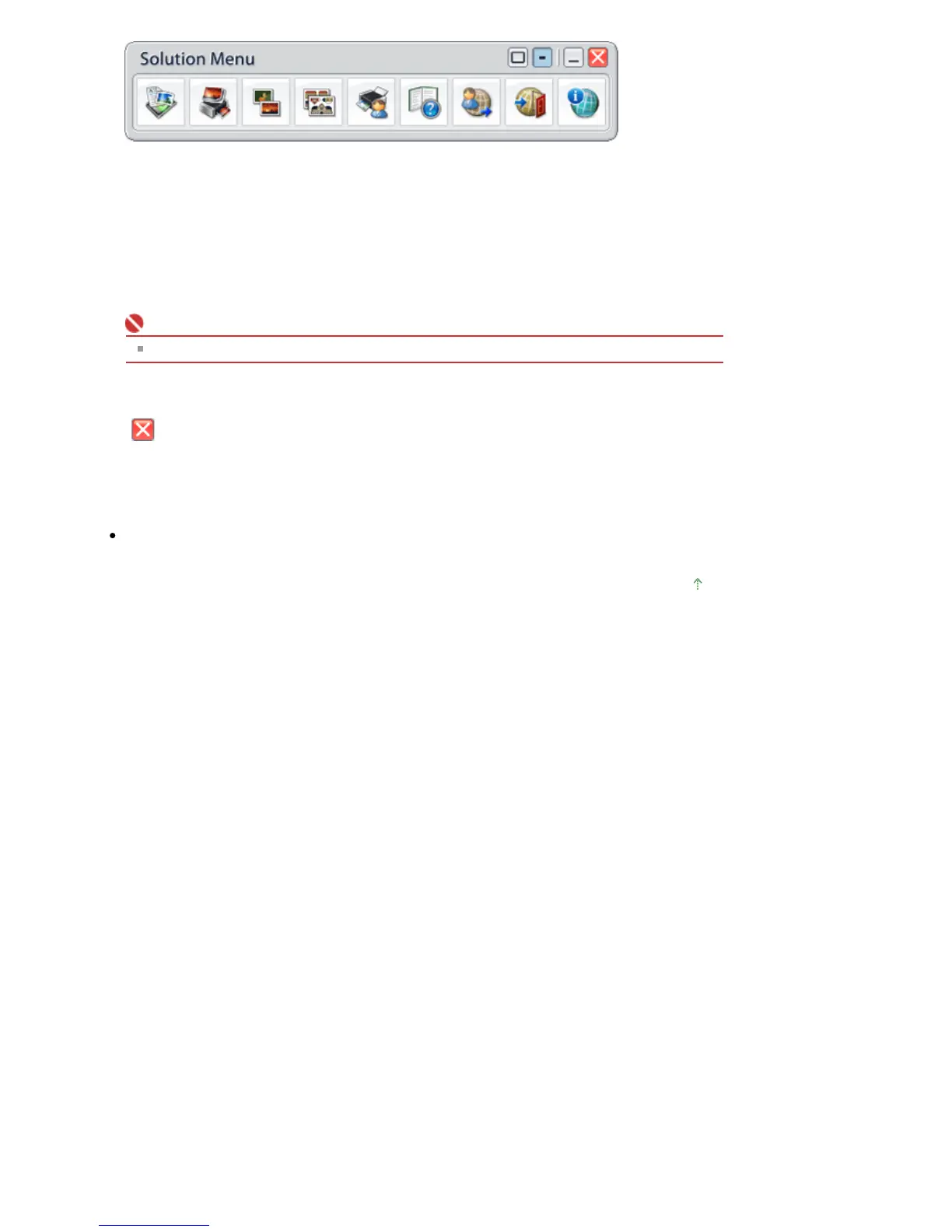
Starting an Application
1.
Point to a button on the window to display the description of each application.
2.
By clicking each button, the introduced application starts.
Follow the same steps to view the manuals or online product information.
Important
Internet connection is required to access the online information. Internet connection fees apply.
Exiting Solution Menu
Click
(Close) on the title bar.
Restriction on Use of Solution Menu
This software is subject to the following restriction. Keep this point in mind when using it.
ll icons of the installed applications that support Solution Menu are displayed in the window. After
the installation, you cannot rearrange the icons or delete only the icons.
Page top
Стр. 366 из 366 стр.About Solution Menu


 To Previous Page