20
Macintosh
9
10
4
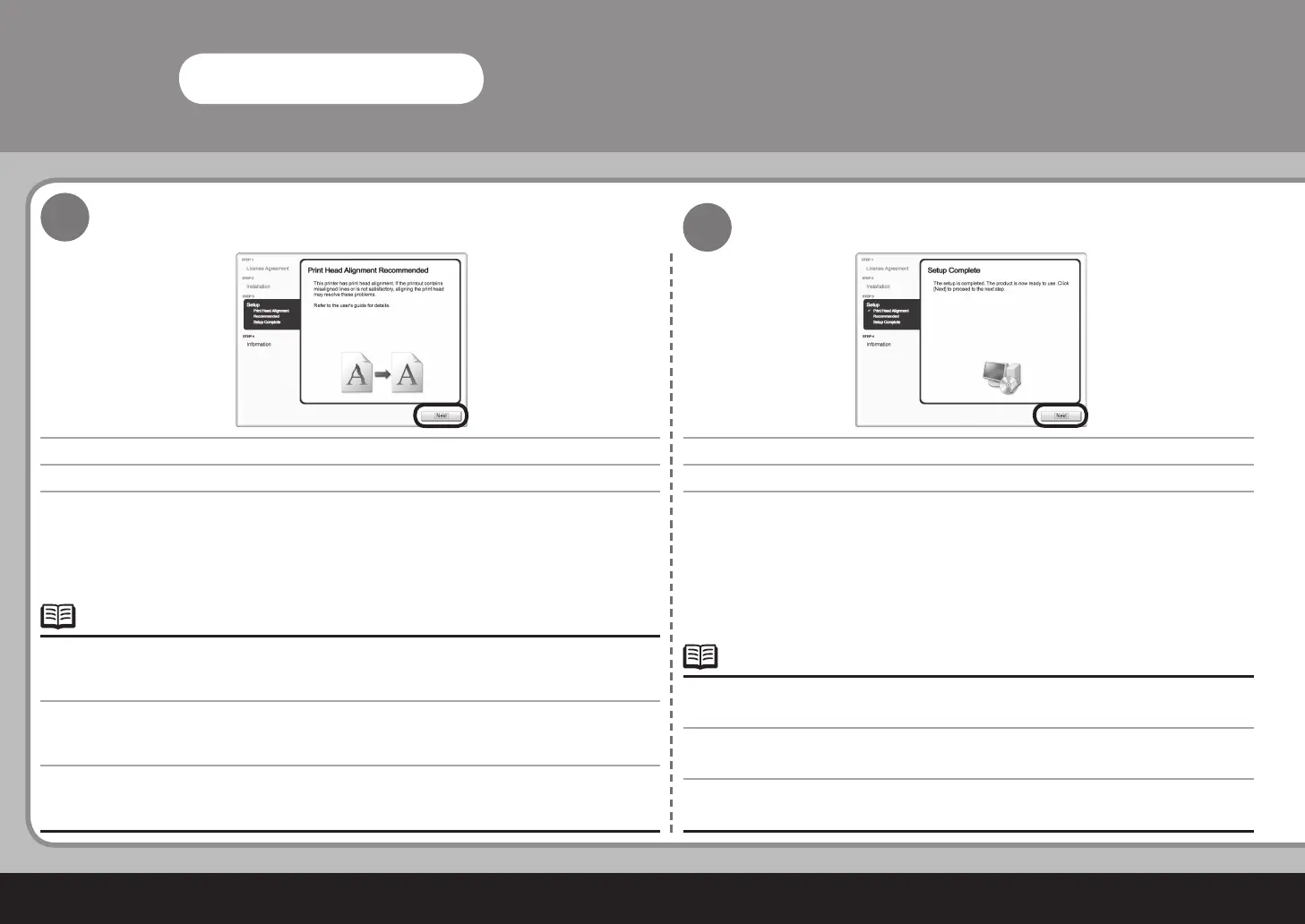
다음을 클릭합니다.
MP driver를 설치한 후 직선이 잘못 정렬되었거나 인쇄 품질이 만족스럽지 않은 경우 프린트 헤드를 정렬해야
할 수 있습니다.
기본 가이드
전자 안내서에서 "인쇄물이 희미하거나 컬러가 정확하지 않은 경우"를 참조하십
시오.
•
다음을 클릭합니다.
사용자의 거주지 선택 화면에서 유럽, 중동, 아프리카를 선택하였을 때에만 설치 완료 화면이 표시됩
니다.
•
按一下下一步 (Next)。
安裝 MP Driver 後,如果直線未對齊或列印效果未如理想,可能需要校準列印頭。請參閱電子手冊
《基本指南》
中的「列印變得模糊不清或顏色不正確時」。
•
按一下下一步 (Next)。
僅在選擇居住地 (Select Your Place of Residence) 螢幕上選擇了歐洲,中東,非洲 (Europe,
Middle East, Africa) 時,才會顯示安裝完成 (Setup Complete) 螢幕。
•
Click Next.
If straight lines are misaligned or print quality is not satisfactory after installing the MP driver, you may need
to align the Print Head. Refer to “When Printing Becomes Faint or Colors Are Incorrect” in the on-screen
manual: Basic Guide.
•
Click Next.
The Setup Complete screen will only be displayed when Europe, Middle East, Africa is selected
on the Select Your Place of Residence screen.
•



 To Next Page