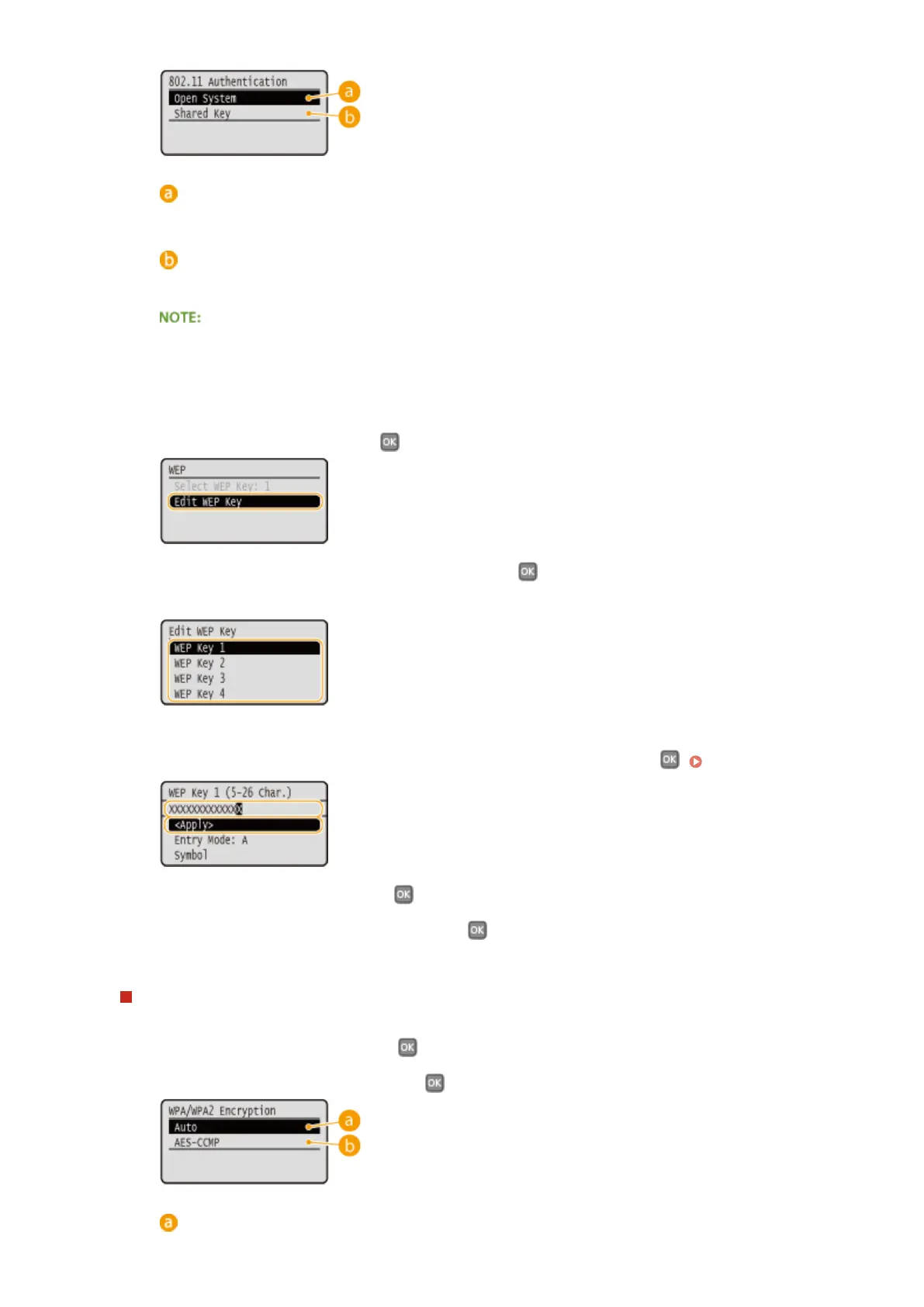
<Open System>
Sets open system authentication, which is also called "open authentication."
<Shared Key>
Uses the WEP key as a password.
When <Open System> is selected
● When connecting to a wireless LAN, the machine experiences an authentication error if the shared key
authentication is set on the wireless router. If this happens, the machine automatically changes the
setting to <Shared Key> and retries the connection.
3
Select <Edit WEP Key>, and press .
4
Select the WEP key (1 to 4) you want to edit, and press .
● Up to four WEP keys can be registered.
5
Enter the network key that you have written down.
● Enter the network key using the numeric keys, select <Apply>, and press . Entering Text(P. 32)
6
Select <Select WEP Key>, and press .
7
Select the WEP key you have edited, and press .
Using WPA-PSK or WPA2-PSK
1
Select <WPA/WPA2-PSK>, and press .
2
Select an encryption method, and press .
<Auto>
Network
147



 To Next Page