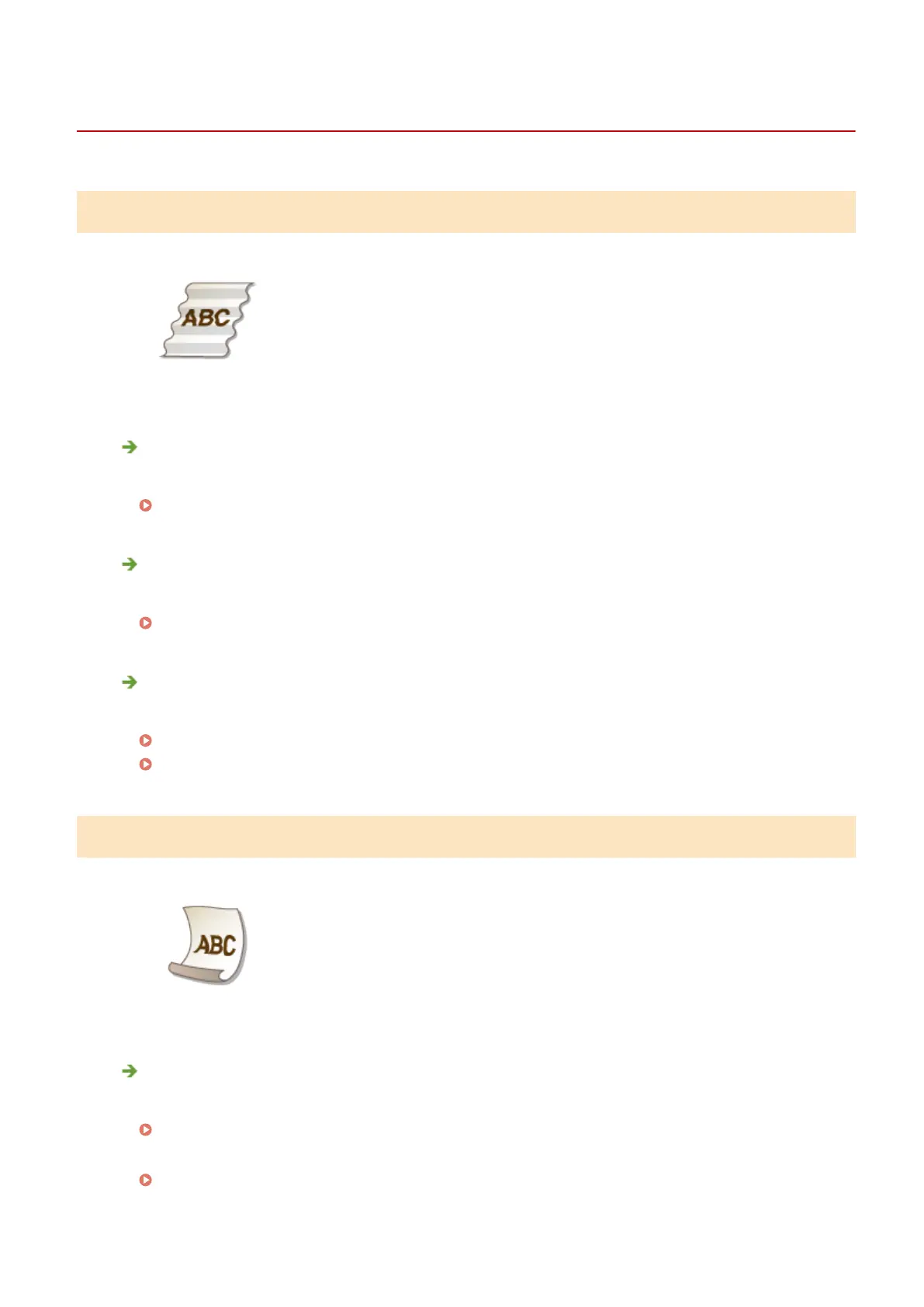
Paper Creases or Curls
0W20-060
Paper Creases
Is paper loaded correctly?
● If paper is not loaded below the load limit line or the load limit guide or is loaded obliquely, it may crease.
Loading Paper(P. 35)
Are you using paper that has absorbed moisture?
● Replace with appropriate paper.
Loading Paper(P. 35)
Are you using appropriate paper?
● Check usable paper, and replace with appropriate paper.
Paper(P. 440)
Loading Paper(P. 35)
Paper Curls
Are you using paper that has absorbed moisture?
● Replace with appropriate paper.
Loading Paper(P. 35)
● When the current setting of <Paper Type> is <Plain>, change it to <Plain L>
Specifying Paper Size and Type(P. 50)
● Change the setting for <Special Printing Mode V>. The improvement effect is stronger with <Mode 2> than
with <Mode 1>. First try the adjustment with <Mode 1>.
Troubleshooting
385



 To Next Page