Conguring Settings for Device Settings Management
Congure settings so that communication with an imageWARE Enterprise Management Console plug-in is enabled.
Use of a plug-in allows you to manage the machine's settings from the imageWARE Enterprise Management Console.
1
Start the Remote UI and log on in System Manager Mode. Starting Remote
UI(P. 270)
2
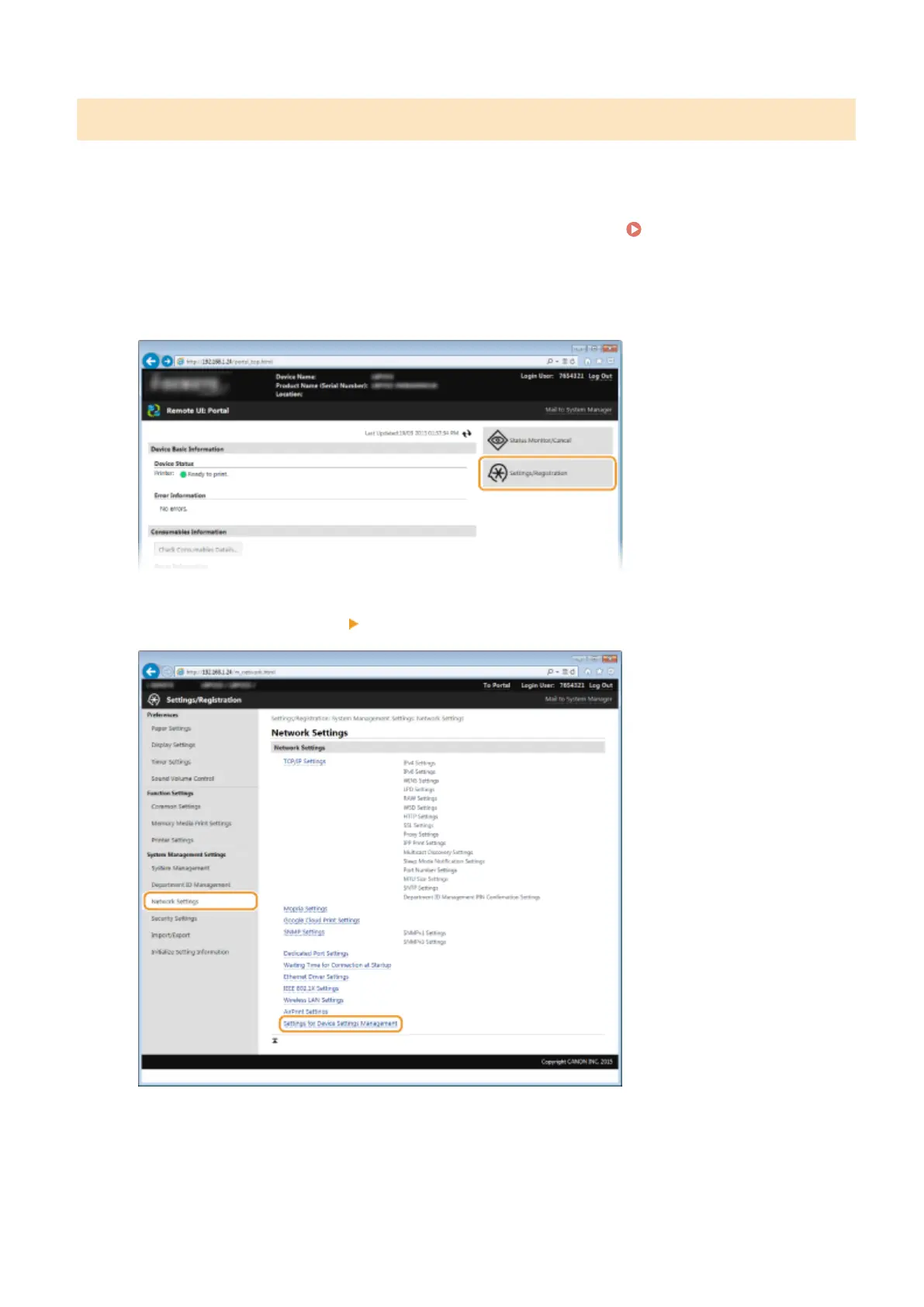
Click [Settings/Registration].
3
Click [Network Settings] [Settings for Device Settings Management].
4
Click [Edit]
Network
199



 To Next Page