Using IPSec with IP address lter
● IP address lter settings are applied before the IPSec policies.
Specifying IP Addresses for Firewall Rules(P. 219)
Conguring IPSec Settings
Before using IPSec for encrypted communication, you need to register security policies (SP). A security policy consists
of the groups of settings described below. Up to 10 policies can be registered. After registering policies, specify the
order in which they are applied.
Selector
Selector denes conditions for IP packets to apply IPSec communication. Selectable conditions include IP
addresses and port numbers of the machine and the devices to communicate with.
IKE
IKE congures the IKEv1 that is used for key exchange protocol. Note that instructions vary depending on the
authentication method selected.
[Pre-Shared Key Method]
A key of up to 24 alphanumeric characters can be shared with the other devices. Enable SSL for the Remote UI
before specifying this authentication method (
Enabling SSL Encrypted Communication for the Remote
UI(P. 235) ).
[Digital Signature Method]
The machine and the other devices authenticate each other by mutually verifying their digital signatures.
Generate or install the key pair beforehand (
Using CA-issued Key Pairs and Digital Certicates(P. 262) ).
AH/ESP
Specify the settings for AH/ESP, which is added to packets during IPSec communication. AH and ESP can be used
at the same time. You can also select whether or not to enable PFS for tighter security.
1
Start the Remote UI and log on in System Manager Mode. Starting Remote
UI(P. 270)
2
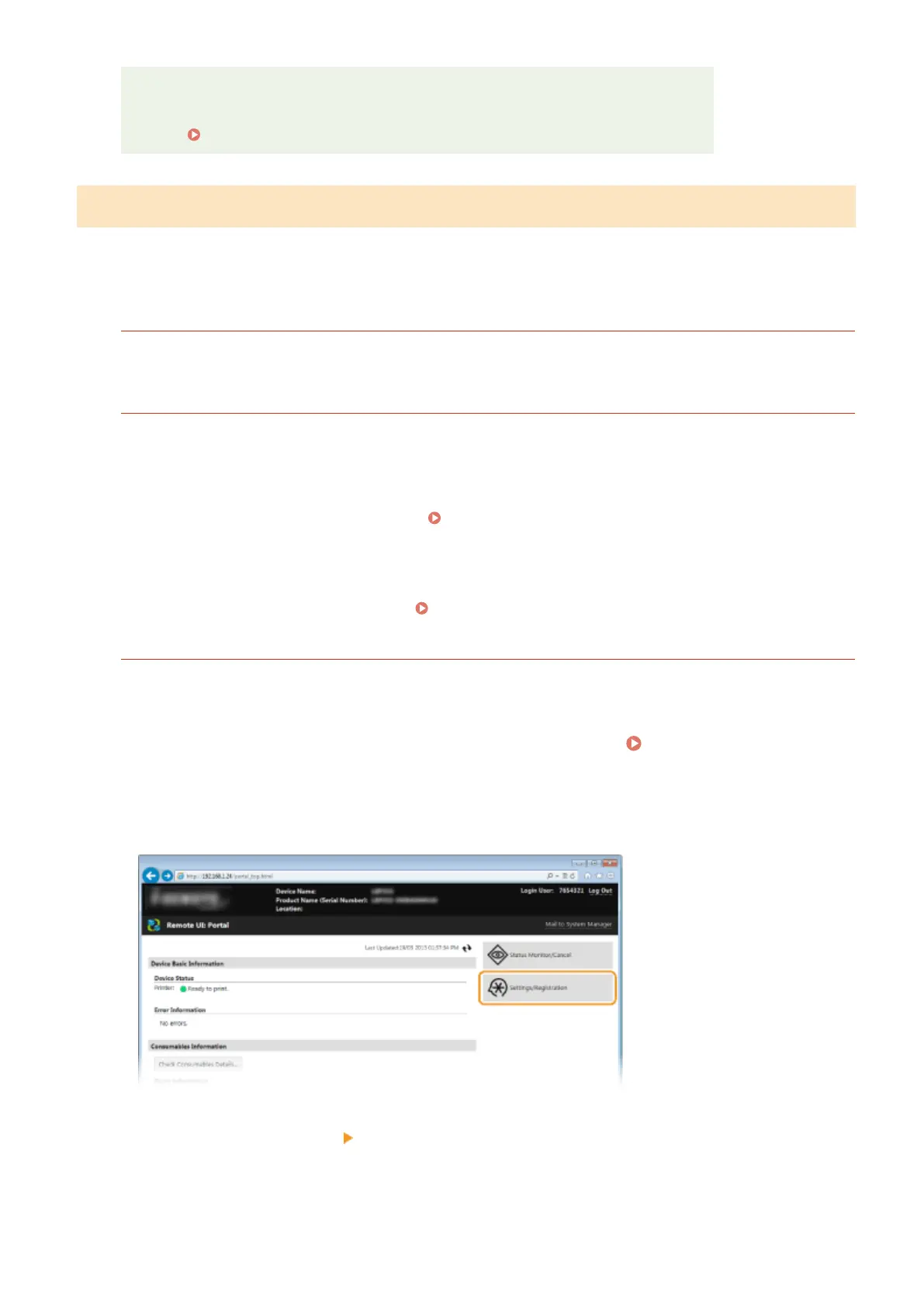
Click [Settings/Registration].
3
Click [Security Settings] [IPSec Settings].
Security
240



 To Next Page