7
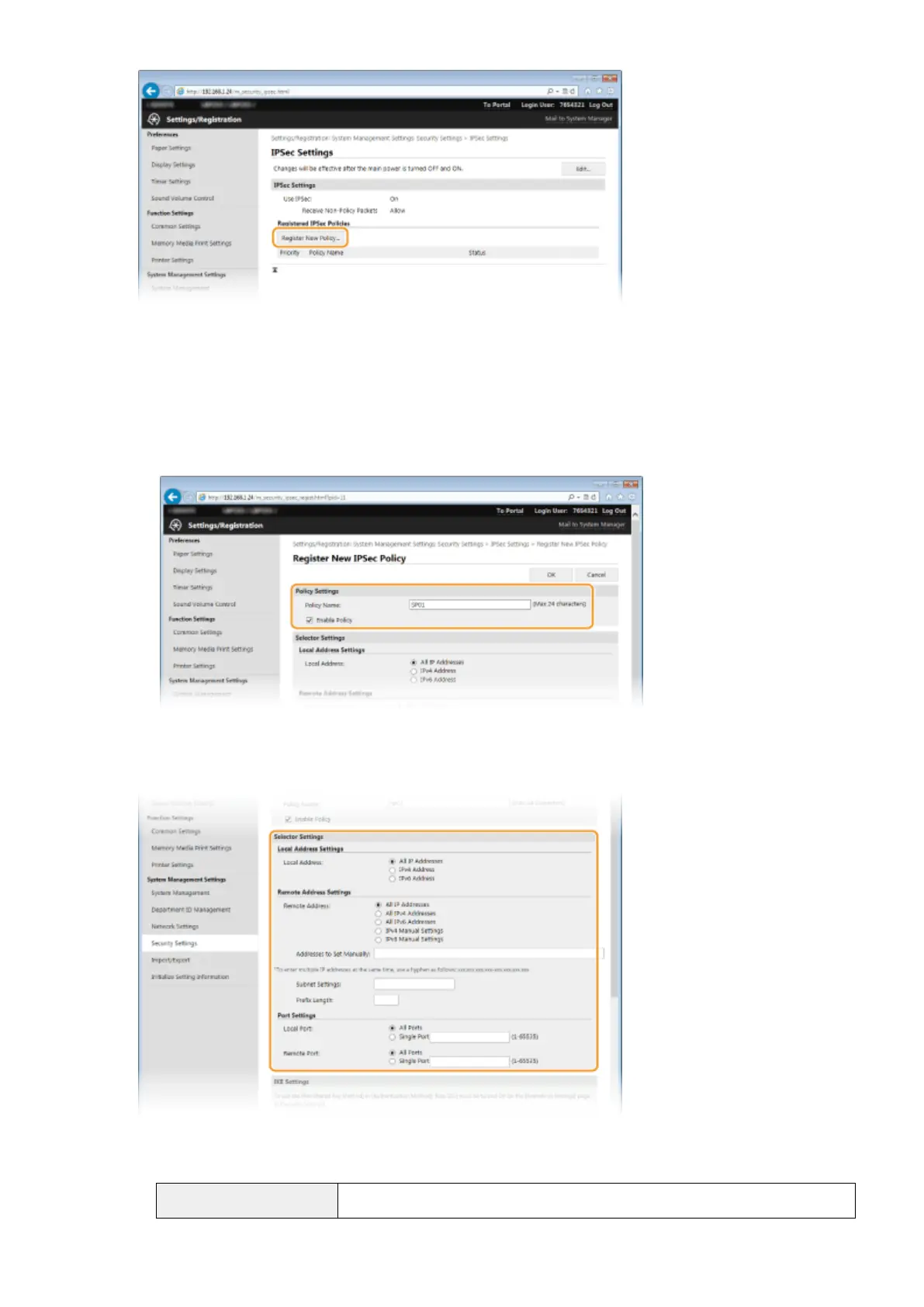
Specify the Policy Settings.
1
In the [Policy Name] text box, enter up to 24 alphanumeric characters for a name that is used for
identifying the policy.
2
Select the [Enable Policy] check box.
8
Specify the Selector Settings.
[Local Address]
Click the radio button for the type of IP address of the machine to apply the policy.
[All IP Addresses]
Select to use IPSec for all IP packets.
Security
242



 To Next Page