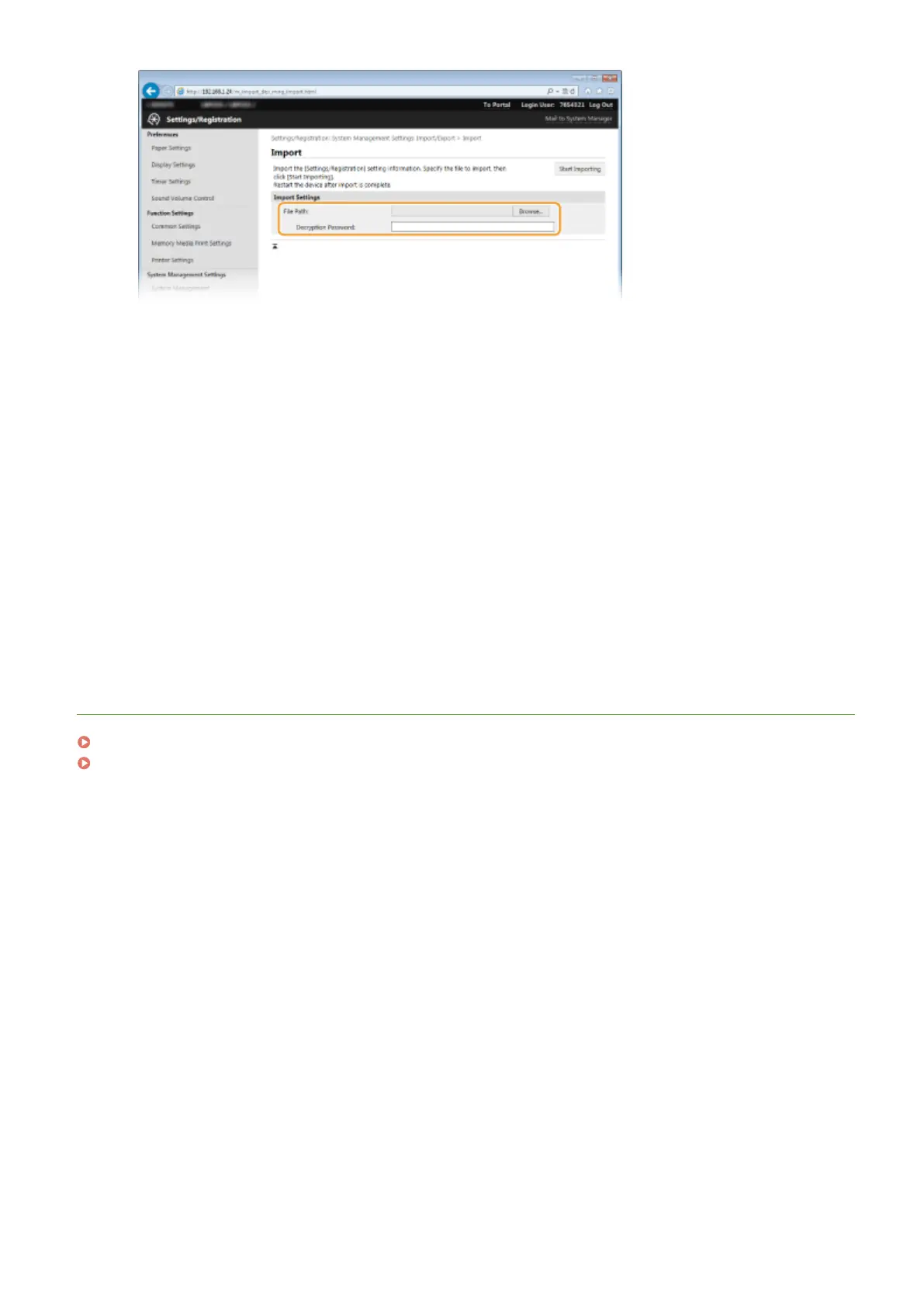
[File Path]
Either click [Browse] and select the le, or if the le's save destination is known, enter it in [File Path] directly.
[Decryption Password]
Enter the password set when the settings were exported.
5
Click [Start Importing].
6
Click [OK].
● The selected settings data is loaded into the machine.
7
Click [OK].
● The machine automatically restarts.
LINKS
Remote UI Screens(P. 272)
Setting Menu List(P. 287)
Using Remote UI
285



 To Next Page