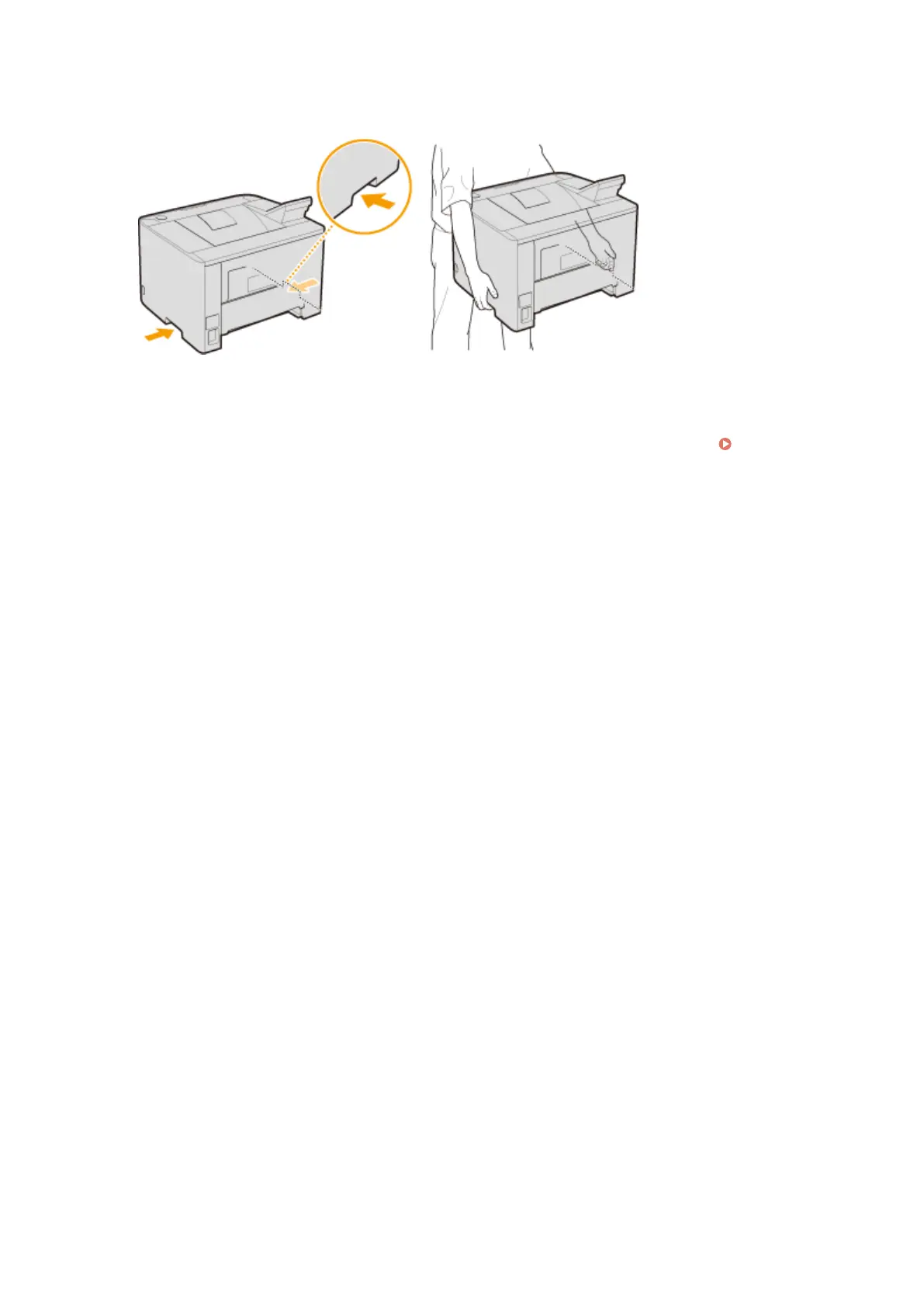
● Position yourself toward the front side of the machine and hold the lift handles, then lift up the machine. If
you have attached the optional paper feeder, leave the optional drawer on the oor and move it after moving
the main unit of the machine.
6
Carefully place the machine at the new installation site.
● For information about how to install the machine after relocating it, see Getting Started. Manuals
Included with the Machine(P. 456)
Maintenance
403



 To Next Page