3
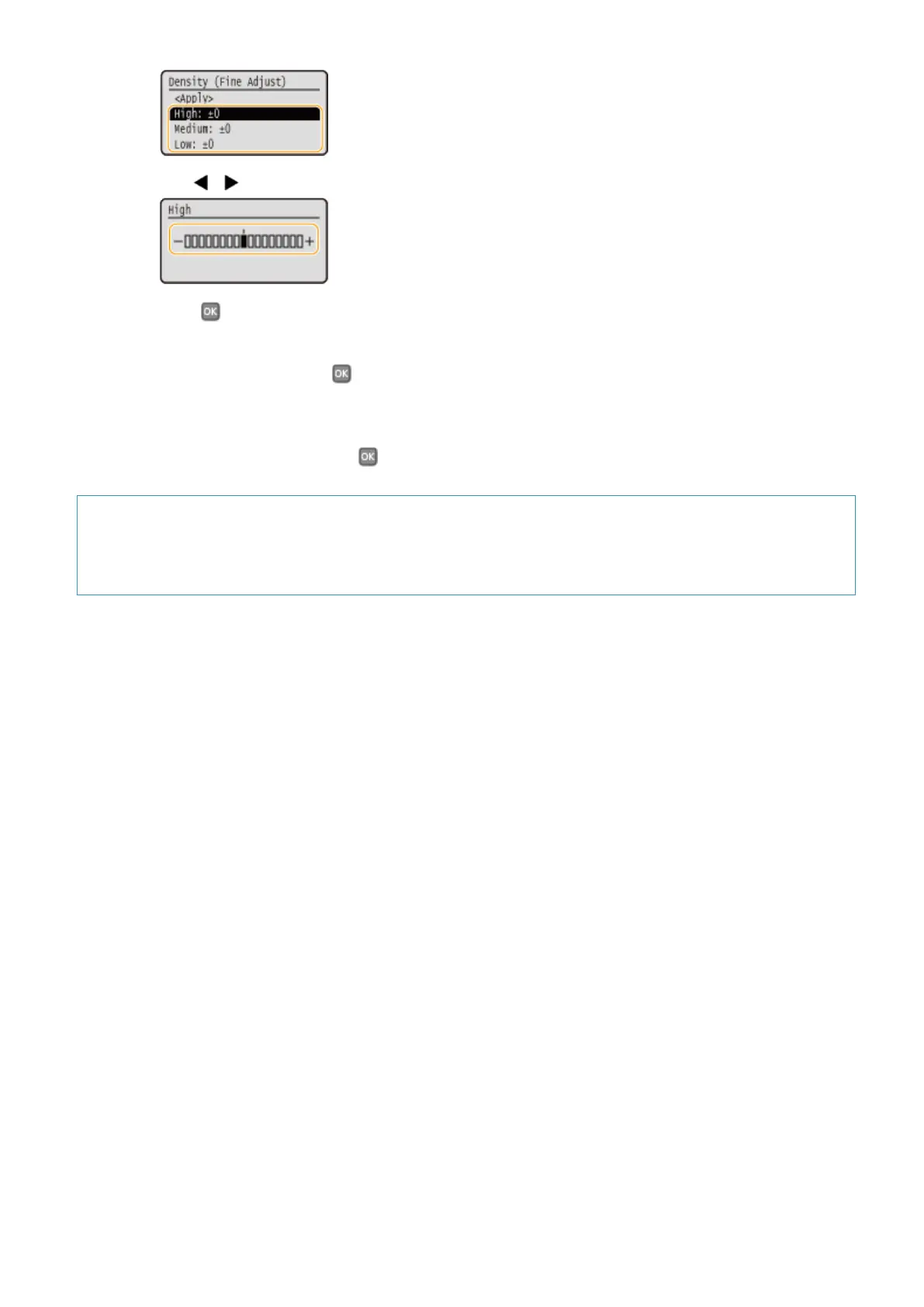
Use / to adjust the density.
4
Press .
● If you want to also make adjustments on other density levels, repeat the operations in steps 2 to 4.
5
Select <Apply>, and press .
5
Select <Apply>, and press .
When the printed text or thin lines are faded
You can make the whole print job darker by using <Printer Density> under <Adjustment/Maintenance> in the
Setting Menu of the operation panel.
Maintenance
406



 To Next Page