Setting up the Network Connection
11 11
Continue to follow on-screen instructions.
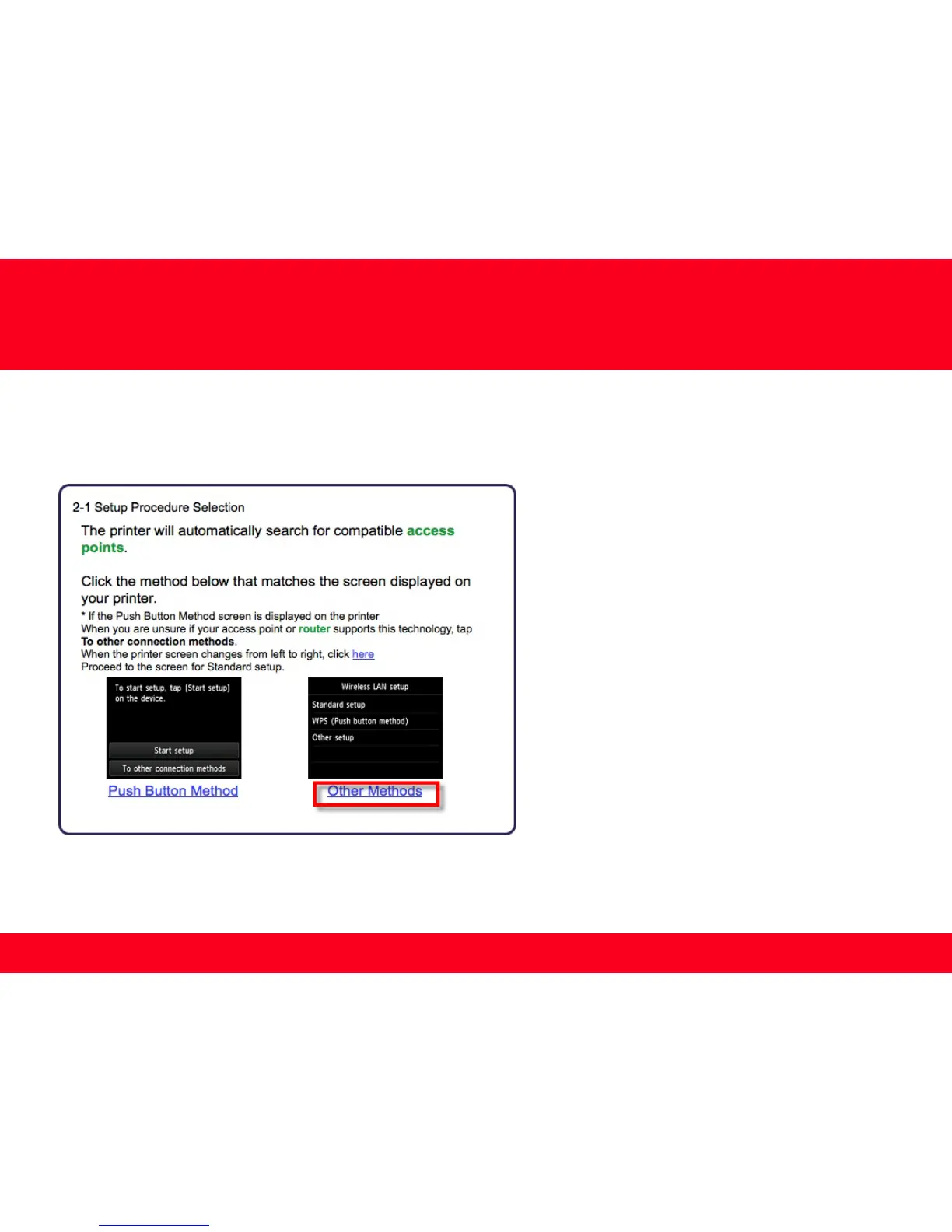
Select Other Methods on the Setup Procedure Selection screen (2-1).
*Note: If your printer’s display looks like the
screen shown above Push Button Method in
the Setup Procedure Selection screen (2-1), tap
To other connection methods before
proceeding to the next instruction









 To Next Page