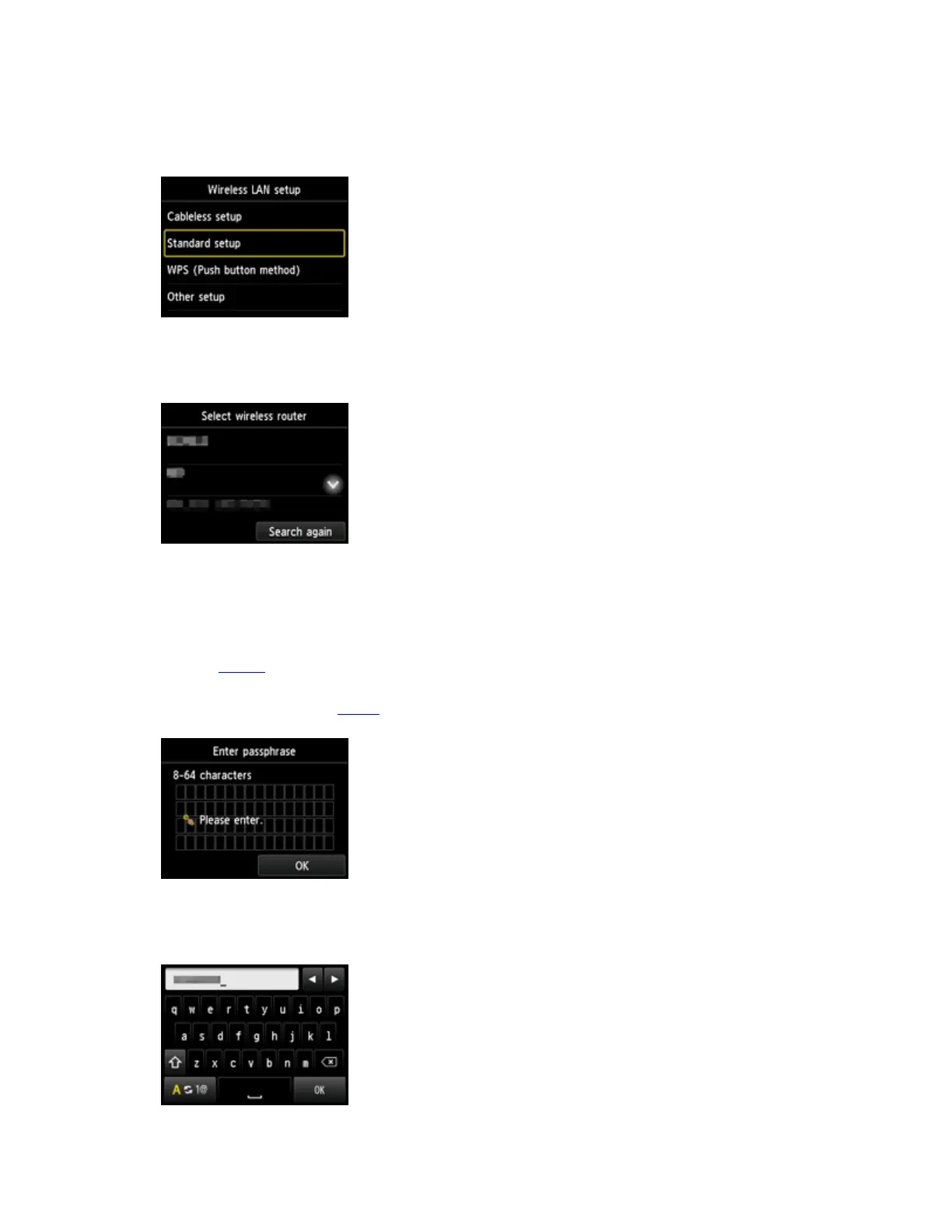
4. 點選 標準設定(Standard setup)
Tap
Standard setup
5.
點選所用無線路由器
Tap your wireless router
6. 當顯示以下畫面,點選螢幕
When the screen below appeared, tap the screen
如果出現「已連接到無線路由器。(Connected to the wireless router.)」,則網路不需要密
碼。 從 步驟 9繼續
If "Connected to the wireless router." appears, the network does not require a
password. Continue from step 9
7. 輸入網路密碼,點選 OK
Enter the network password, and then tap OK


 To Next Page