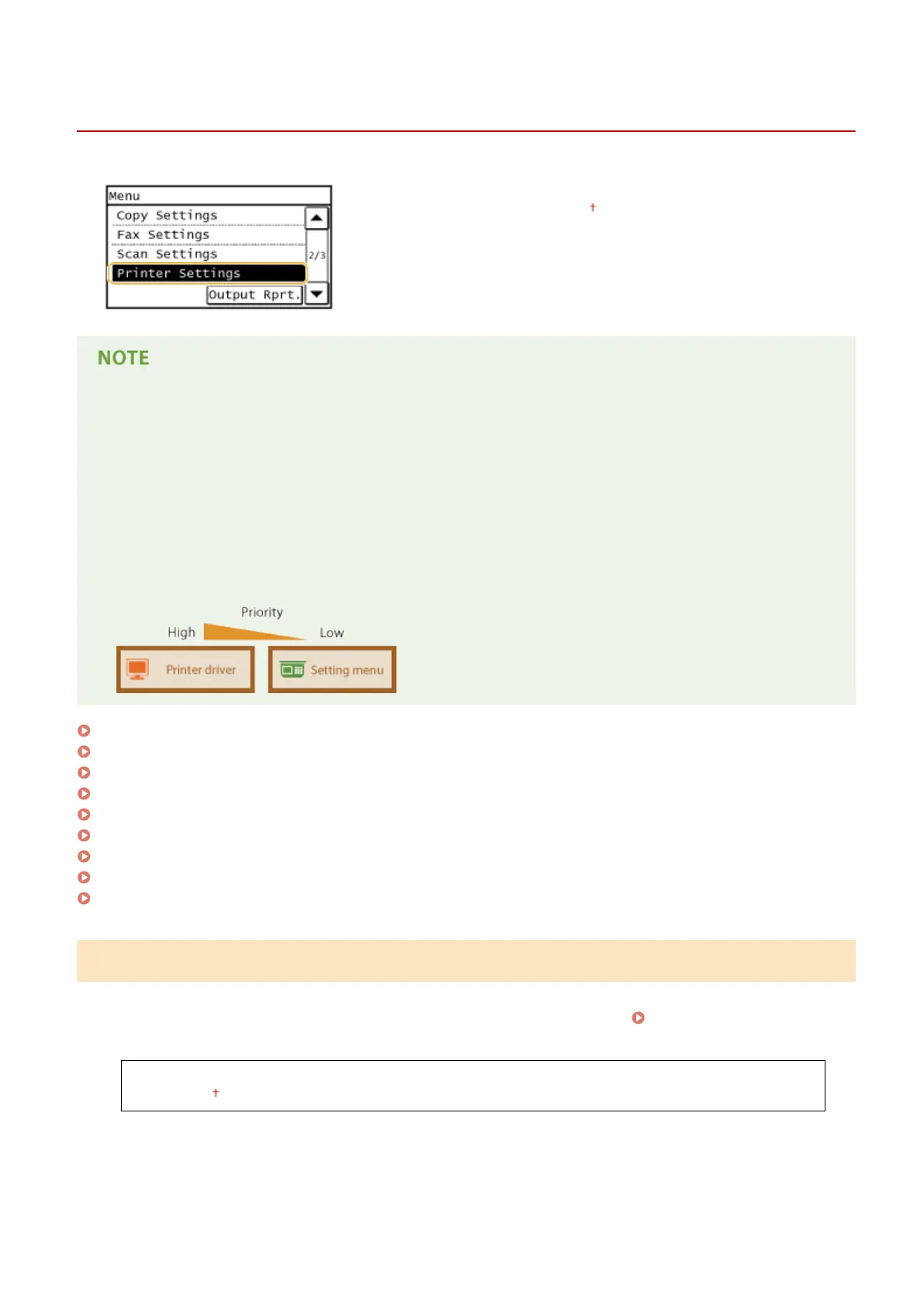
Printer Settings
1469-094
All the settings about the printer are listed with short descriptions. Default
settings are marked with a dagger ( ).
Asterisks (
*
)
● Settings marked with "
*1
" are only available for the MF249dw / MF247dw.
● Settings marked with "
*2
" have different defaults depending on the country or region of purchase.
Priority of settings
● If a print setting is specied both from the printer driver and the operation panel of the machine, the
specication from the printer driver overrides that from the operation panel. The specication from the
operation panel becomes effective in some specic cases, such as when performing PCL printing and
printing from UNIX or other operating system that does not support printer drivers.
Action When Paper Size Mismatch(P. 514)
Mobile Print Halftones(P. 515)
Copies(P. 515)
2-Sided Printing(P. 515)
Default Paper(P. 516)
Print Quality(P. 516)
Layout(P. 517)
Timeout(P. 518)
PCL(P. 518)
Action When Paper Size Mismatch
Set whether printing goes ahead if a paper size other than the size loaded in the paper source is selected. You can also
set the machine not to go ahead with printing and instead display an alert message. When an Error Message
Appears(P. 550)
Force Output
Display Error
Setting Menu List
514









 To Next Page