<Initialize All>
Initializes all the system management settings.
If Remote UI settings are initialized
● The Remote UI Access PIN is also initialized. After an initialization, r
eset the Remote UI Access PIN.
Setting a Remote UI PIN (MF244dw / MF232w)(P. 231)
● Y
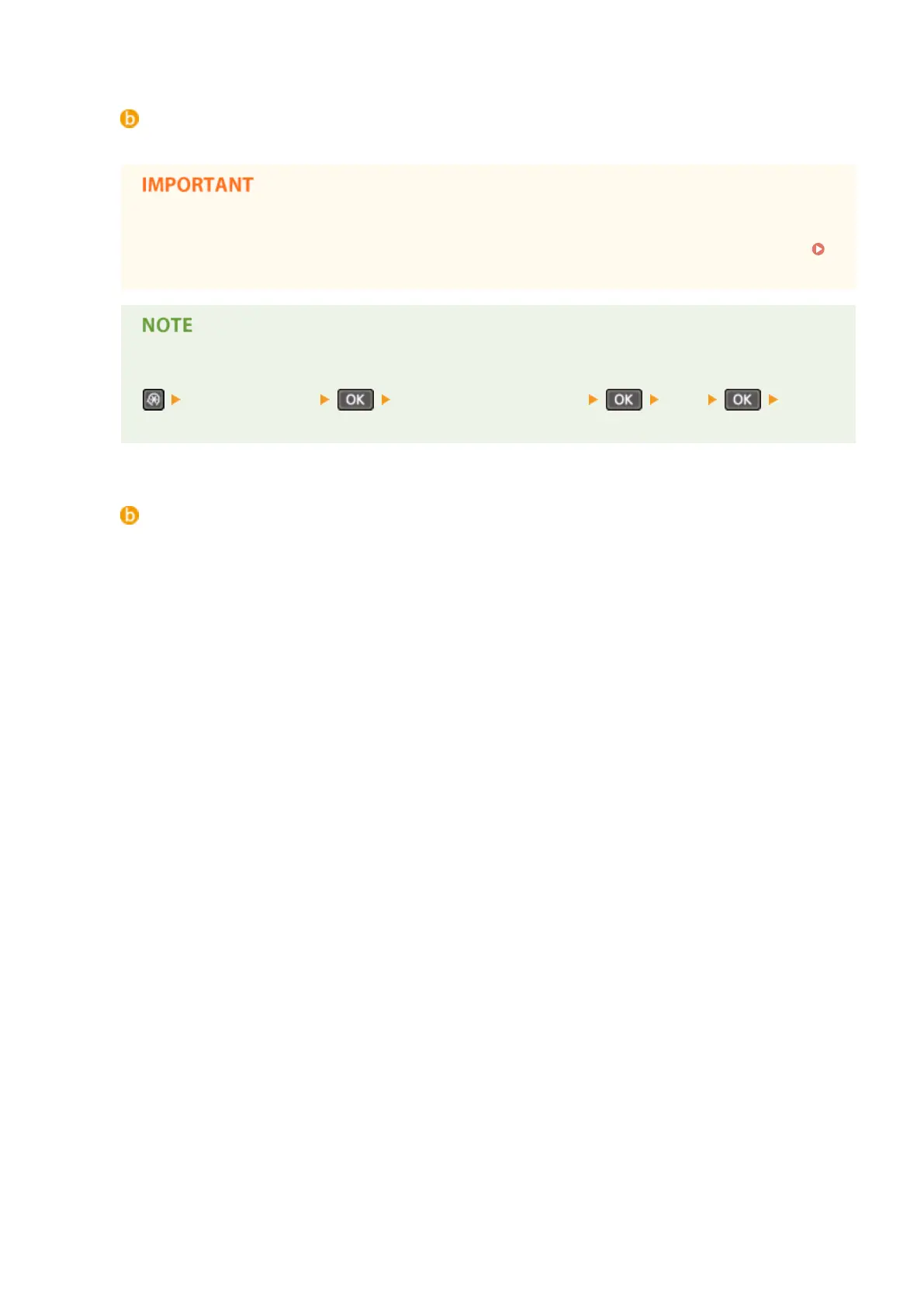
ou can use the procedure below to restore the default <Network Settings>.
<Network Settings> <Initialize Network Settings> <Yes> Restart
the machine
<Initialize All>
Initializes all the settings.
Maintenance
398


 To Next Page
 Loading...








