Right-click [ ] select [Control Panel] [View network status and tasks] [Change advanced sharing
settings] select [Turn on network discovery] under [Network discovery].
Windo
ws Server 2008
[Start]
select [Control Panel] double-click [Network and Sharing Center] select [Turn on network
disco
very] under [Network discovery].
◼ Displaying Shared Printers in the Print Server
1
Open Windows Explorer.
Windows Vista/7/Server 2003/Server 2008
[Start]
select [All Programs] or [Programs] [Accessories] [Windows Explorer].
Windo
ws 8/Server 2012
Right-click the lower-left corner of the screen
select [File Explorer].
Windo
ws 8.1/Server 2012 R2
Right-click [Start]
select [File Explorer].
Windo
ws 10
Click [
] select [File Explorer].
2
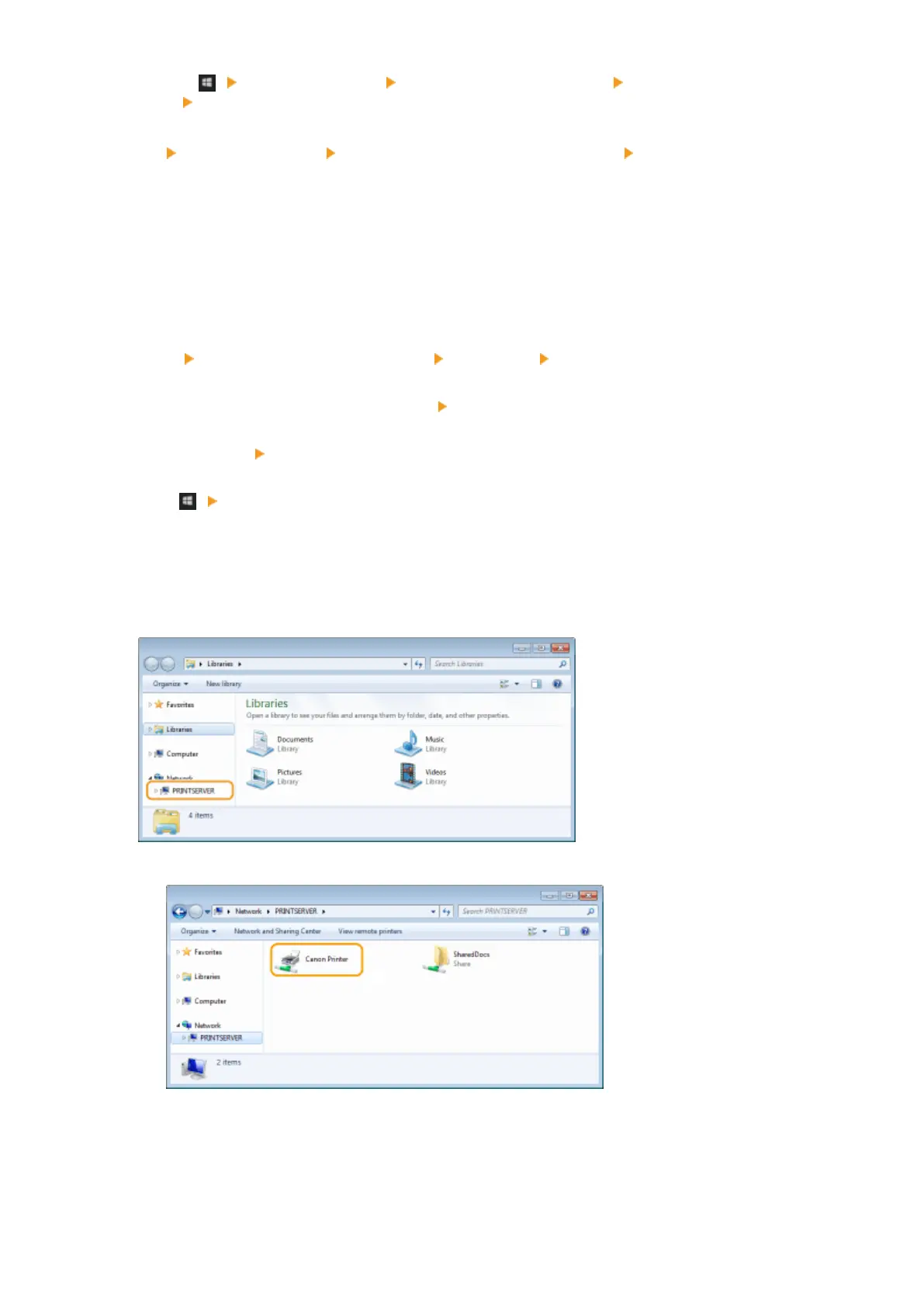
Select [Network] or [My Network Places] in printer server.
● T
o view computers on the network, you may need to turn on network discovery or search the network for
computers.
➠ Shar
ed printers are displayed.
1
◼ Displaying the [Software Programs/Manuals Setup] Screen
If your computer does not display the [Software Programs/Manuals Setup] screen after inserting the provided DVD-
ROM, follow the procedure below. The DVD-ROM drive name is indicated as "D:" in this manual. The DVD-ROM drive
name may differ depending on the computer you are using.
Appendix
435











 To Next Page