Remember before
You Start Operation
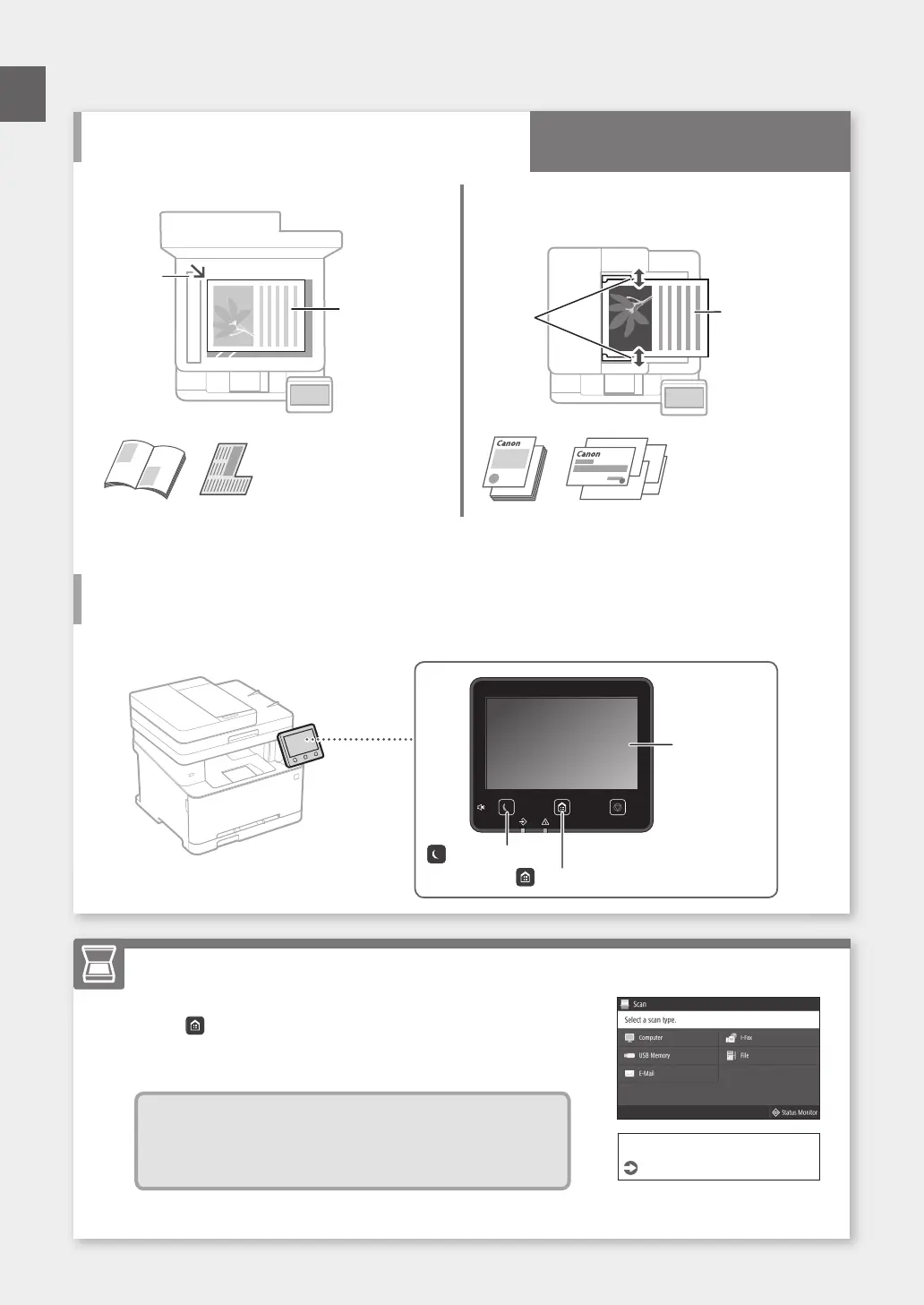
Place your original on the platen glass
Place the original
with the scan
side face down.
Place to fit
inside the
corner.
Suitable for scanning book
pages, magazine pages
and newspaper clips.
Place your originals into the feeder*
* This function may not be included depending on the
model of the machine.
Place the originals
with the scan side
face up.
Adjust
the slide
guides.
Suitable for
continuously
scanning many
pages of literature,
quotation, etc.
74
Place the Original Properly
Start the Operation from the Operation Panel
Scanning
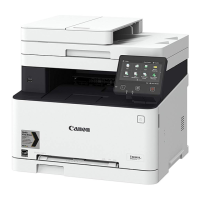
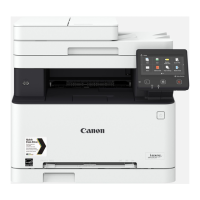
Machine (MF635Cx)
1. Place the original.
2. Press
, and select <Scan>.
3. Select the type of scan, and enter the necessary information.
4. Select <Start>, <B&W Start> or <Color Start>.
Types of scan
■
Store in USB memory device
■
Send e-mail
■
Send to file server
To scan from a computer
■
MF Scan Utility
For details
"Scanning" in the User's Guide
Quick Operation
Operation Panel
Display (screen)
([Energy Saver] key)
([Home] key)
En






 To Next Page