En
He
7
1 2 3 4 5 6 7
Setup Guide For
2
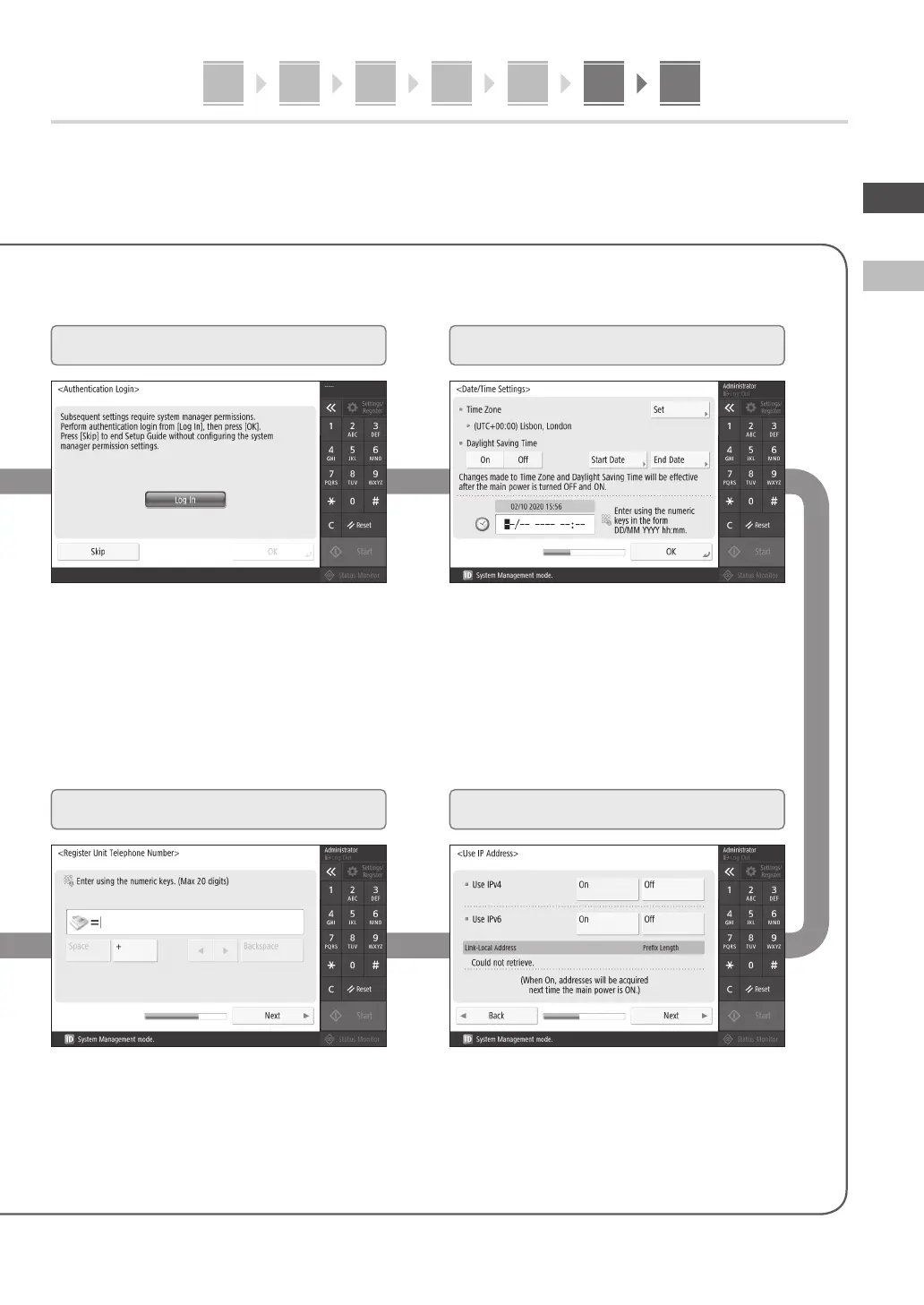
Specifying the Security Settings
3
Setting the Date and Time
4
Specifying the Network Settings
5
Specifying the Fax Settings
Set the machine's date and time.
Specify the settings for connecting the machine to a
network.
Select a wired LAN or wireless LAN and specify the IP
address. Depending on your network environment,
specify the DNS and proxy settings also.
Specify the administrator login and user authentication
settings to improve the security of the machine.
The default administrator login is "Administrator"
and the default password is "7654321".
Specify the settings required for using the fax
functions.












 To Next Page