What is the procedure for saving data in an inbox?
If you are using a printer that supports the inbox function, you can store print data in an inbox of
the printer. You can change the print settings of the stored data and combine multiple sets of data.
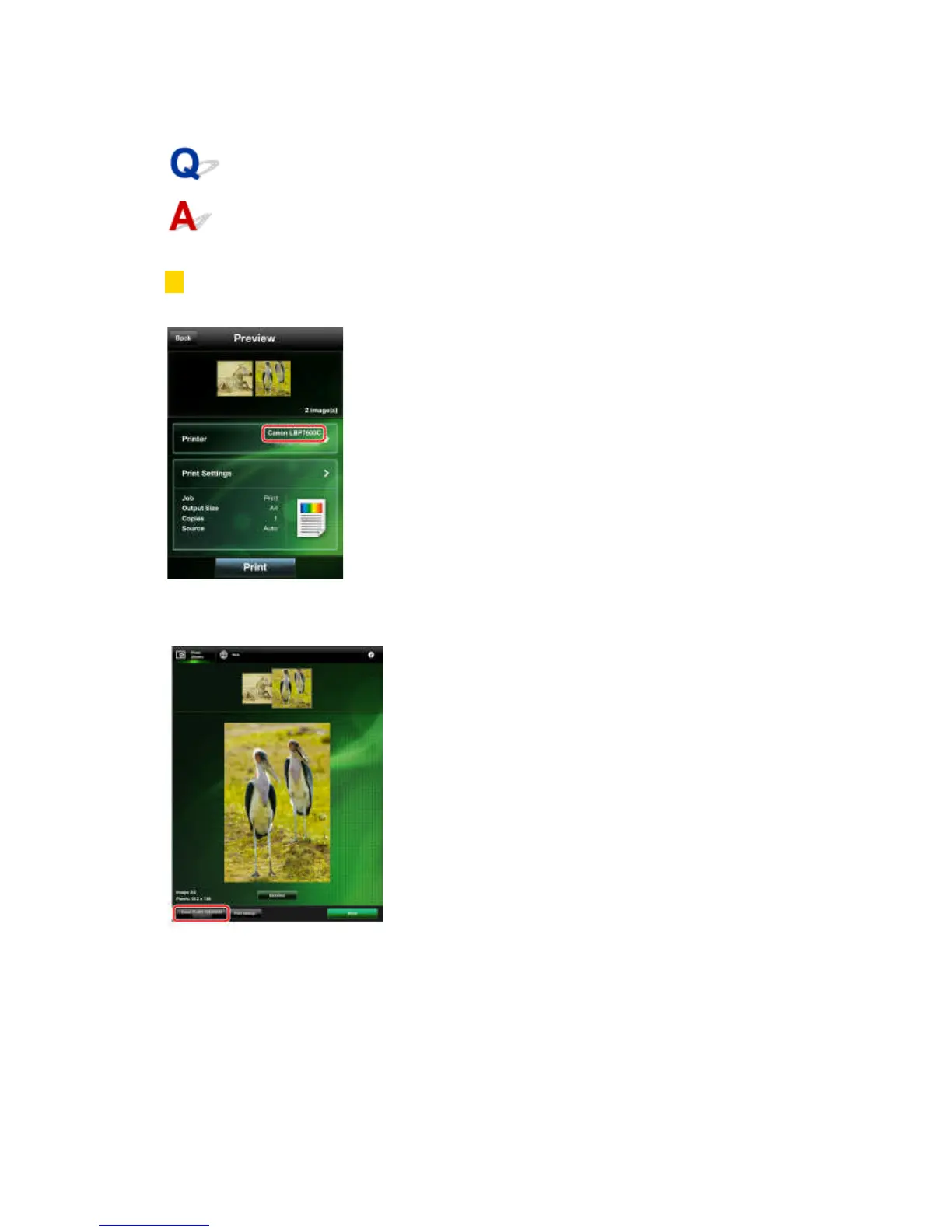
1. In the [Preview] screen, confirm or select the printer you want to use.
iPhone:
Check whether the name of the printer is displayed in [Printer] in the [Preview] screen.
If it is not, tap [Printer] → select the printer you want to use from the list of automatically detected
printers → tap [Back].
iPad:
Check whether the printer name is displayed in the lower left corner of the screen.
If it is not, tap [Detect Printer] → select the printer you want to use from the list of automatically
detected printers → tap [Back].



 To Next Page