What paper sizes does Canon Mobile Printing support?
Letter, 11 x 17, Legal, A4, B4, and A3.
NOTE
Select a paper size that is supported by the printer you are using.
What types of data can Canon Mobile Printing print?
With Canon Mobile Printing, you can print the following types of files:
Photographs (photographs saved in iOS albums)
Image files (JPEG, GIF, BMP, PNG, TIFF)
PDF files
Microsoft Office files (doc, docx, xls, xlsx, ppt, pptx)
iWork files (Pages, Numbers, Keynote)
Web pages
NOTE
Web pages cannot be printed by starting Canon Mobile Printing directly from a browser such as
Safari. You need to display the web page from the Web menu of Canon Mobile Printing, then print
it.
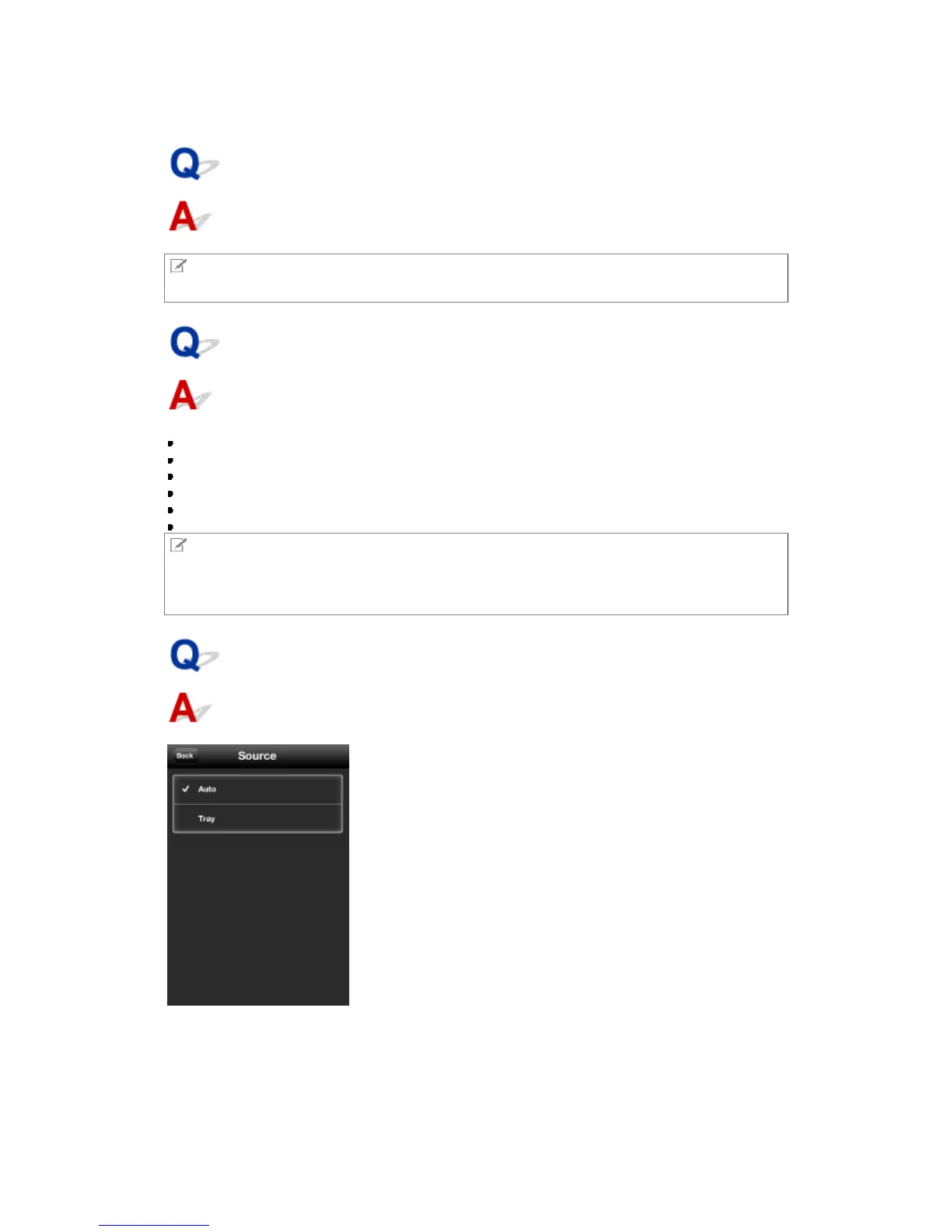
Can you select the paper tray when printing?
You can select [Auto] (the printer setting) or [Tray].



 To Next Page