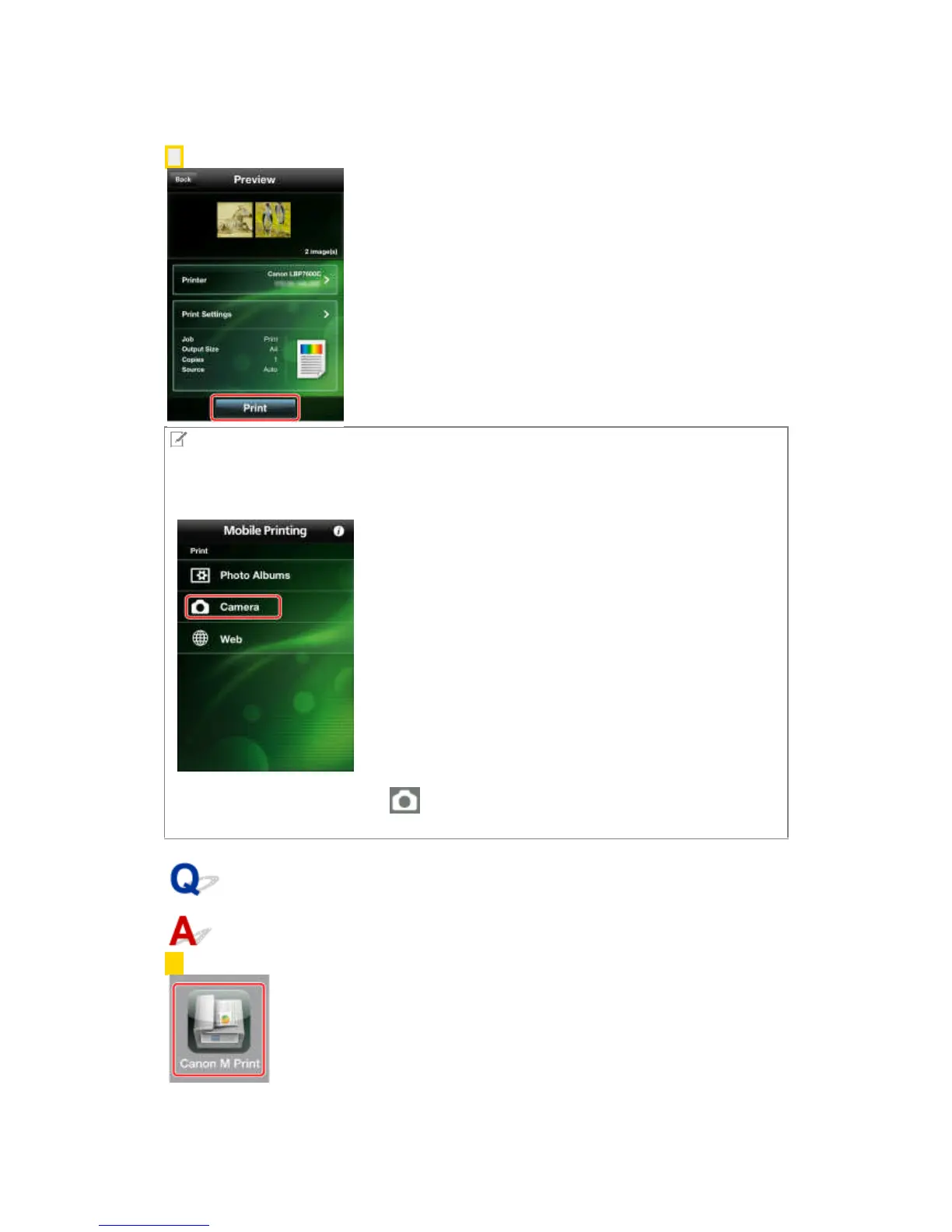
6. Tap [Print] in the [Preview] screen.
NOTE
If you activate the camera from this app, you can print the photograph you have just taken. You
can activate the camera using the following methods.
iPhone:
In the main screen of Canon Mobile Printing, tap [Camera].
iPad:
In the [Photo Album] screen, tap [ ] in the lower right corner of the screen.
The photograph you take is stored in a Camera Roll such that it can be selected for printing.
What is the procedure for printing web pages?
1. In the Home screen of your iPhone or iPad, tap [Canon M Print].



 To Next Page